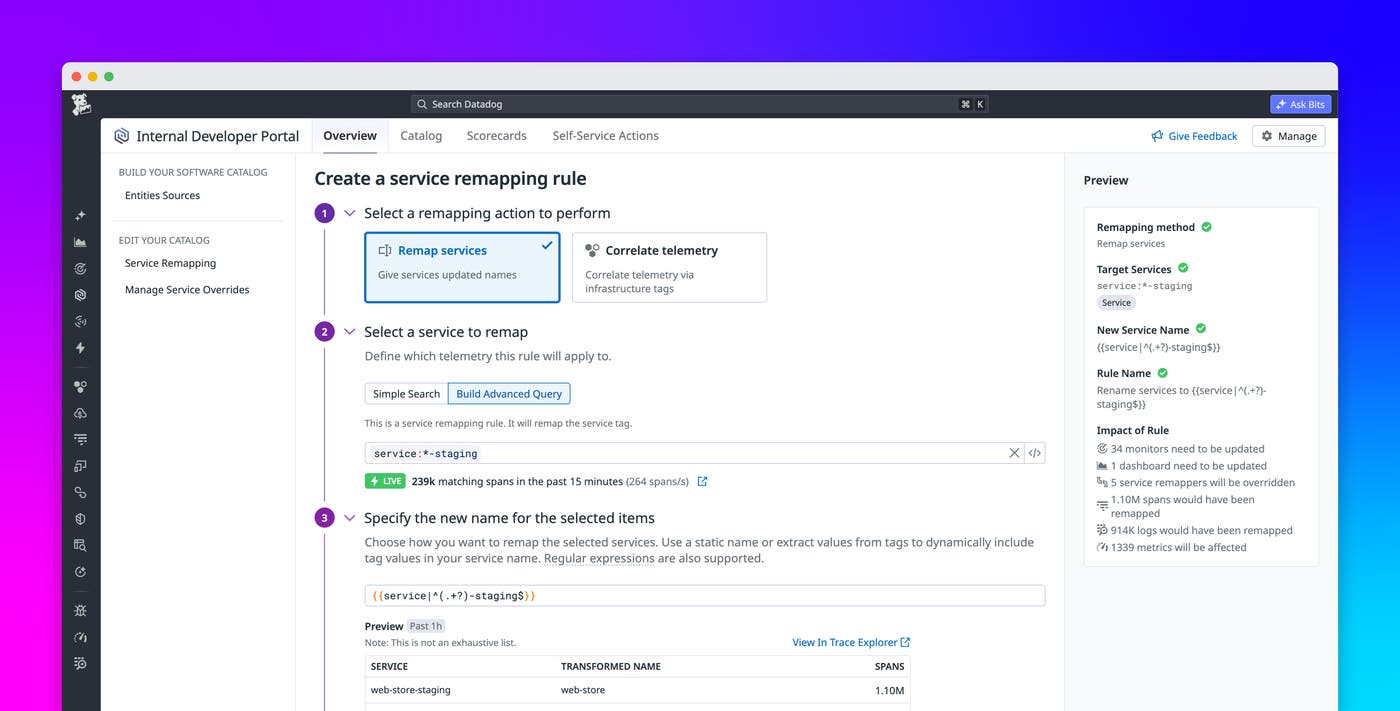

Mariana Frangos
Datadog is built to give you a unified view of your entire system: traces correlated with logs, metrics tied to specific services, and dashboards providing panoramic visibility into your distributed architecture. But this unified view depends on a crucial piece of adhesive to hold it together: consistent naming of services across every product. If a service carries one name in APM and a slightly different one in Log Management, you’re left with two separate datasets that cannot be automatically joined. And if traces and metrics for the same workload carry different service tags, monitors cannot account for the full picture. The single pane of glass breaks before you can start investigating.
Datadog Service Remapping gives you direct control over how services are named and grouped throughout your Datadog environment, from the UI, without code changes or redeployments. You can use infrastructure tags already present on your telemetry to unify data across APM traces, logs, metrics, and more under a single service name. And when service names need to be cleaned up, renamed, merged, or split, you can do that too, all from one place.
In this post, we’ll show how Service Remapping helps you:
Automatically correlate traces, logs, and metrics using existing infrastructure tags
Merge or split services to match how your team thinks about your system
Automatically correlate Datadog traces, logs, and metrics using existing infrastructure tags
When you set up APM through Single Step Instrumentation, Datadog instruments your services automatically without requiring code changes. But the service names that appear on your APM traces may not match the names applied to your logs or metrics by other parts of your stack. Even the smallest inconsistencies, like an environment prefix in one product or a deployment suffix in another, are enough to break correlation between products. Fixing this traditionally meant coordinating name changes across multiple codebases and teams.
Service Remapping solves this with a dedicated rule type for cross-product telemetry correlation. You select an infrastructure tag that already exists in your telemetry—such as a host tag, a Kubernetes label, or any other tag shared across APM, logs, and metrics—and use its values to define a unified service name. Datadog then applies that name across every product where the tag appears, so all the telemetry for that workload lands under a single, consistent service identity.
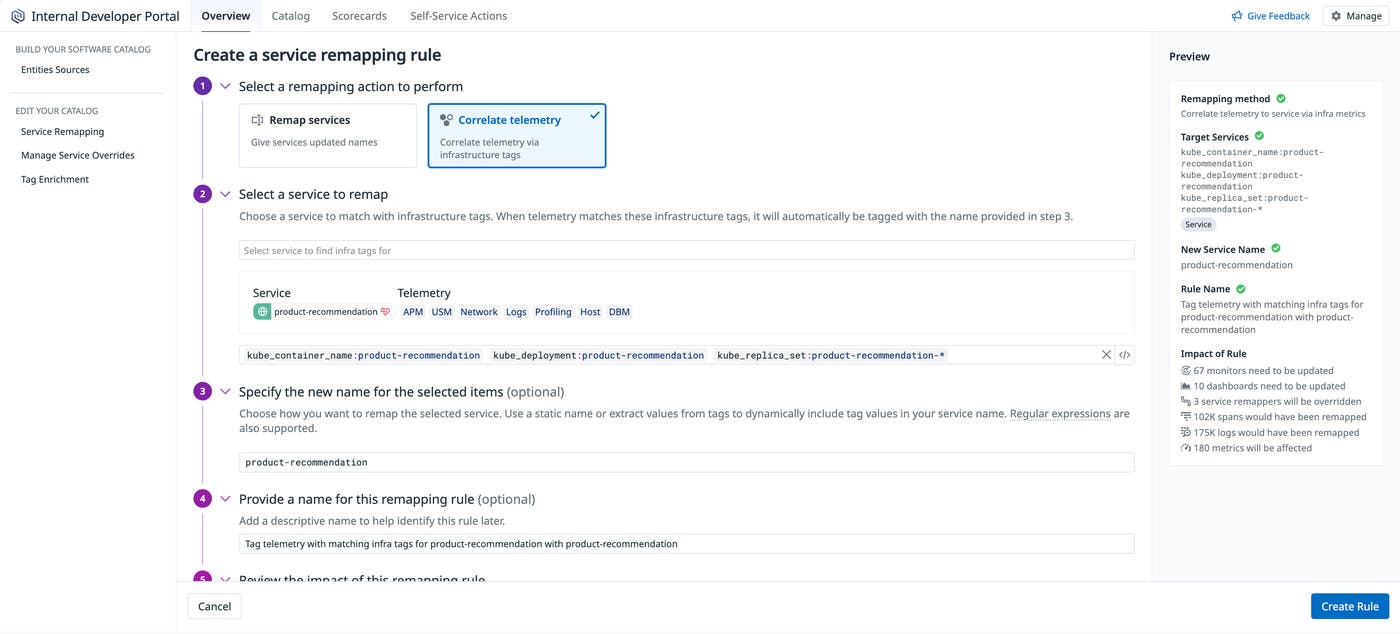
Consider a team whose APM traces and log pipelines have independently applied slightly different naming conventions to the same service. The data is all there, but traces and logs cannot be automatically correlated in Datadog. A single remapping rule using a shared infrastructure tag unifies both under the same service name, connecting traces and log lines without any changes to instrumentation.
This is especially valuable for teams using Single Step Instrumentation or managing services across multiple codebases, where achieving full Unified Service Tagging (UST) is not always practical. Remapping rules give you correlated telemetry across Datadog products without requiring a full UST implementation.
Standardize service names without touching instrumentation
When you set up APM with Single Step Instrumentation, Datadog will use runtime properties to automatically derive service names anywhere they are not explicitly set. Historically, when these names have not matched your organization’s naming conventions or Configuration Management Database (CMDB) entries, the only fix has been to go back into the code.
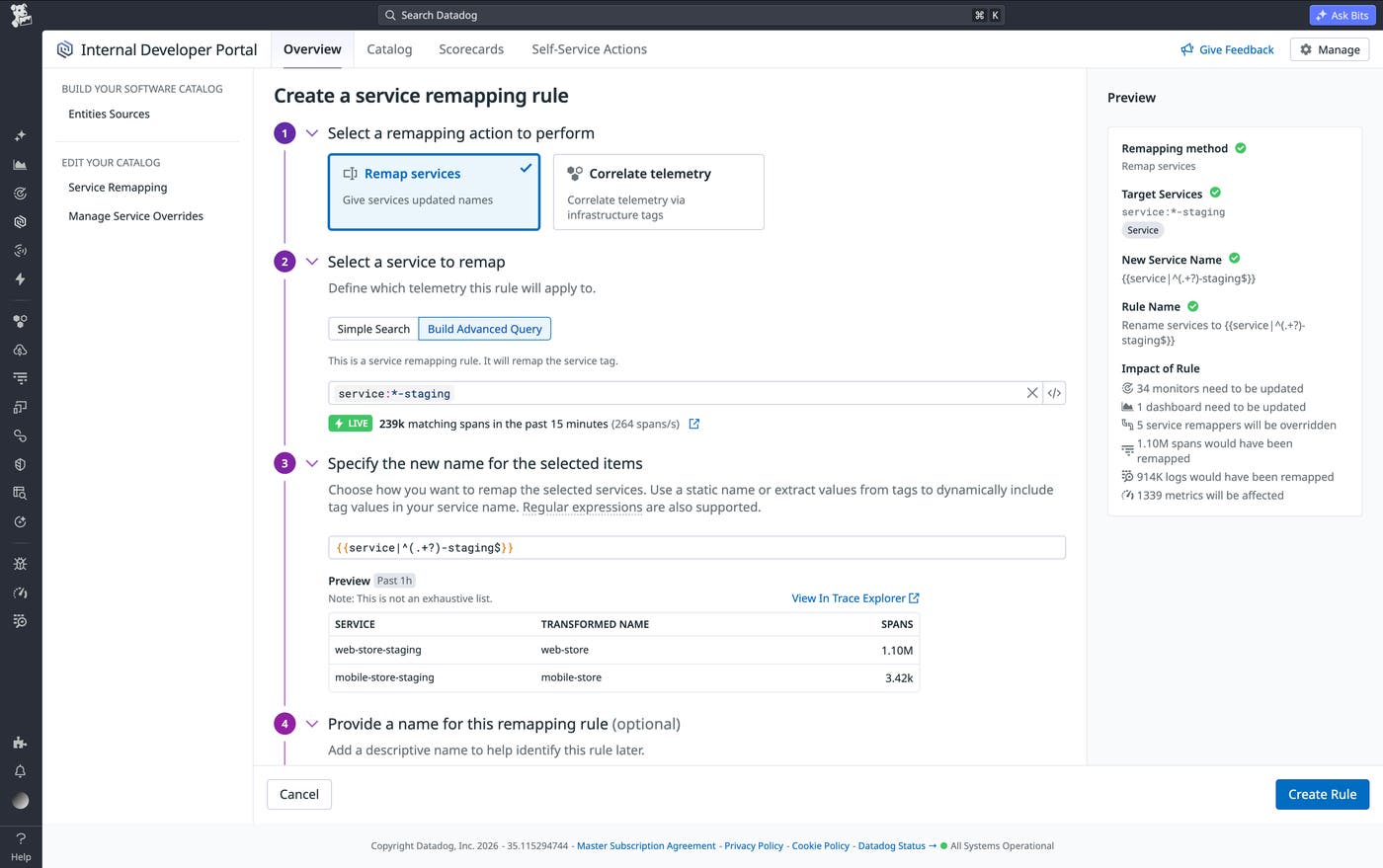
With Service Remapping, you can rename services directly from the Datadog UI. You specify a filter using a service name pattern, a tag value, or a wildcard or regex expression, and a new target name. Datadog applies the rule to all matching services across your environment immediately.
For example, you can match any service whose name ends in -staging and strip that suffix using a capture group: {{service|^(.+?)-staging$}}. Teams that want their Datadog environment to reflect their internal service registry or CMDB naming standards can make that change centrally, without waiting on individual engineering teams to update their configurations or redeploy their services.
Merge or split services to match how your team thinks about your system
Service names drift in more than one direction. Sometimes, one logical service appears as many, because of how a deployment is configured, because a web server framework generates a name per instance, or because a multi-tenant setup fragments what should be a single view. Other times, a shared name causes distinct workloads from different teams to collapse into a single entry, making it impossible to set up team-specific monitors or route alerts to the right owner.
With Service Remapping, you can quickly merge and split services by setting remapping rules. By merging services, you can collapse redundant Catalog entries into a single service view. This step can help you ensure SLO accuracy: When telemetry for a single logical service is fragmented across multiple entries, the RED metrics on any individual service page are incomplete.
Let’s say you’re making API calls to a third-party platform whose dozens of subdomains each produce a separate inferred service.
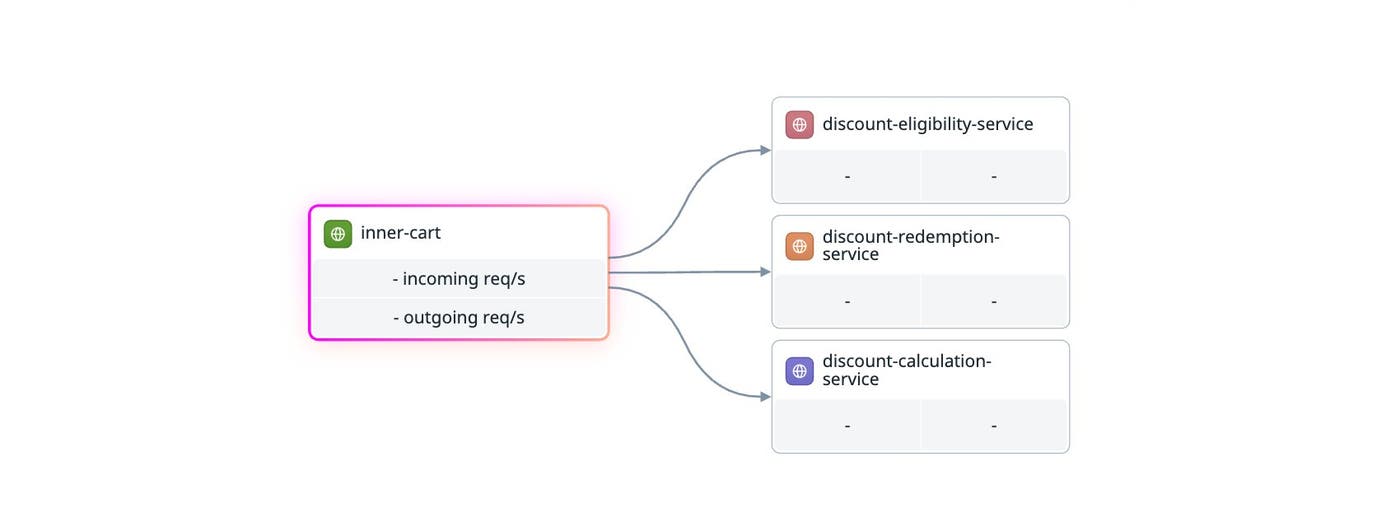
One remapping rule using a wildcard pattern on the hostname can collapse all of them into a single, readable entry in the Service Map and Catalog.
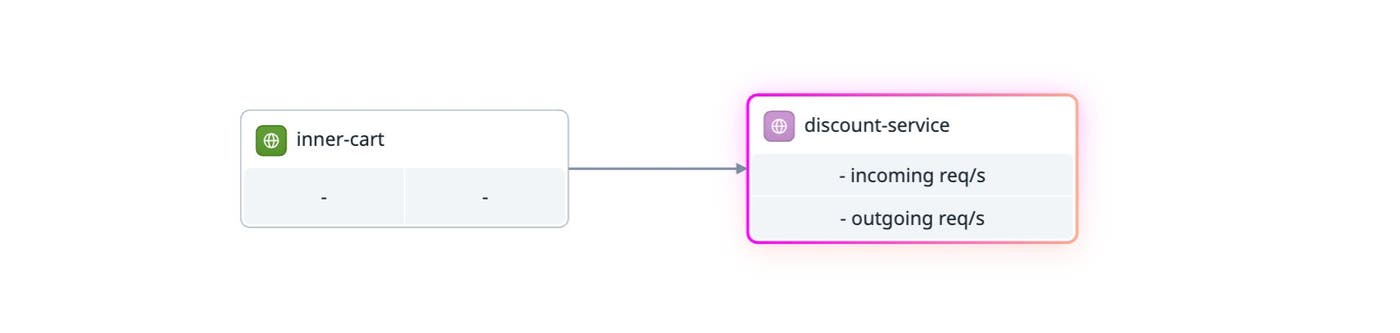
By splitting services, you can differentiate between separate workloads that share a common service name. You can select any tag, such as host or container_name, and Datadog will create distinct service views based on that tag’s values. For example, if two engineering teams within the same organization have independently deployed services with the same name, their spans will be merged in APM by default. A split rule based on a host or environment tag can separate them into independent service pages, each with its own metrics, monitors, and attribution.
Make changes safely with impact previews
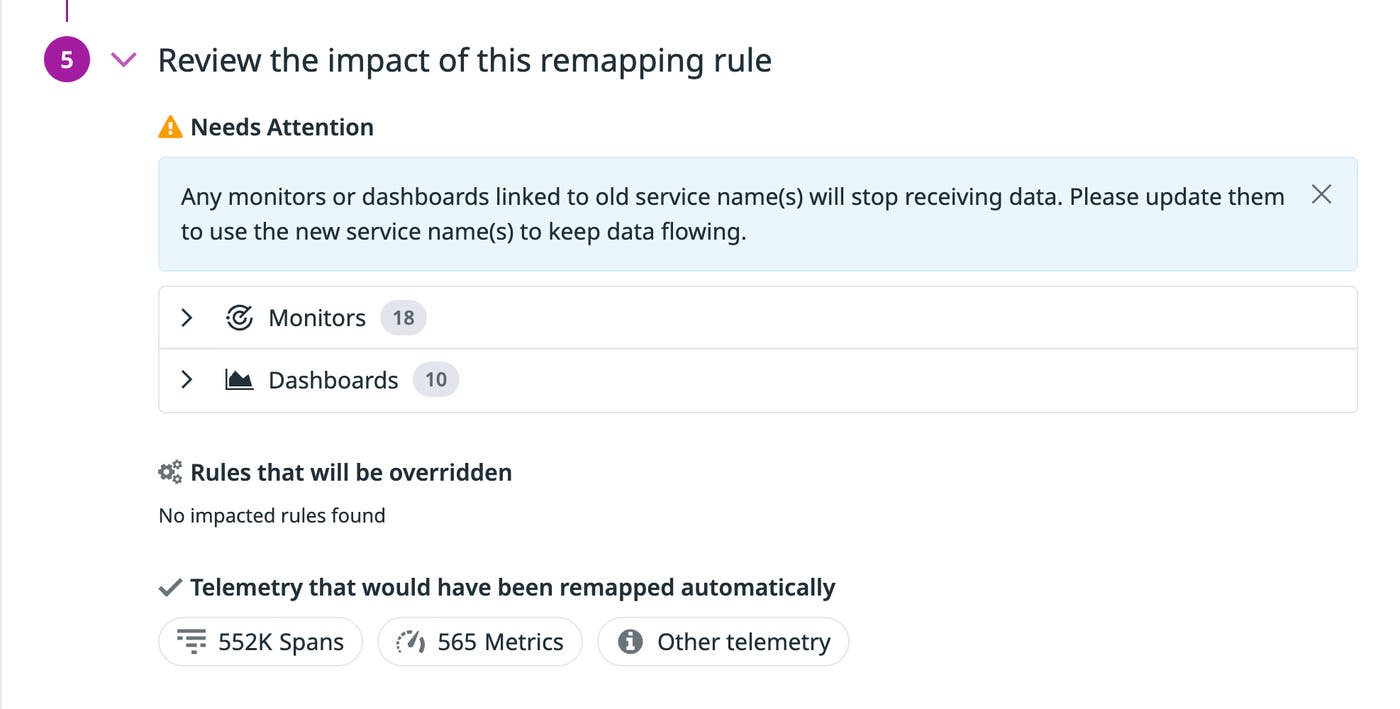
Renaming a service that monitors and dashboards already reference can silently break alerting if done without planning. Before any remapping rule takes effect, Datadog provides impact previews that show you which monitors and dashboards reference the existing service name, with direct links to each, so you can update them before applying the change.
Get started with Datadog Service Remapping
Service Remapping is now generally available. Check out our documentation to get started and learn more about best practices for renaming, merging, splitting, and correlating telemetry across products. If you’re brand new to Datadog, sign up for a 14-day free trial.
