
Rohan Agarwal
Product Manager Intern

Piyali Banerjee
Product Manager
Serverless platforms like AWS Lambda, Google Cloud Run, and Azure Container Apps let teams run applications without managing infrastructure. However, getting full visibility into those workloads has traditionally required a lot of manual setup. A single team may deploy serverless applications across multiple clouds by using tools such as Terraform, AWS SAM, AWS CDK, and the Serverless Framework. Each of these platforms, runtimes, and deployment tools requires its own instrumentation steps.
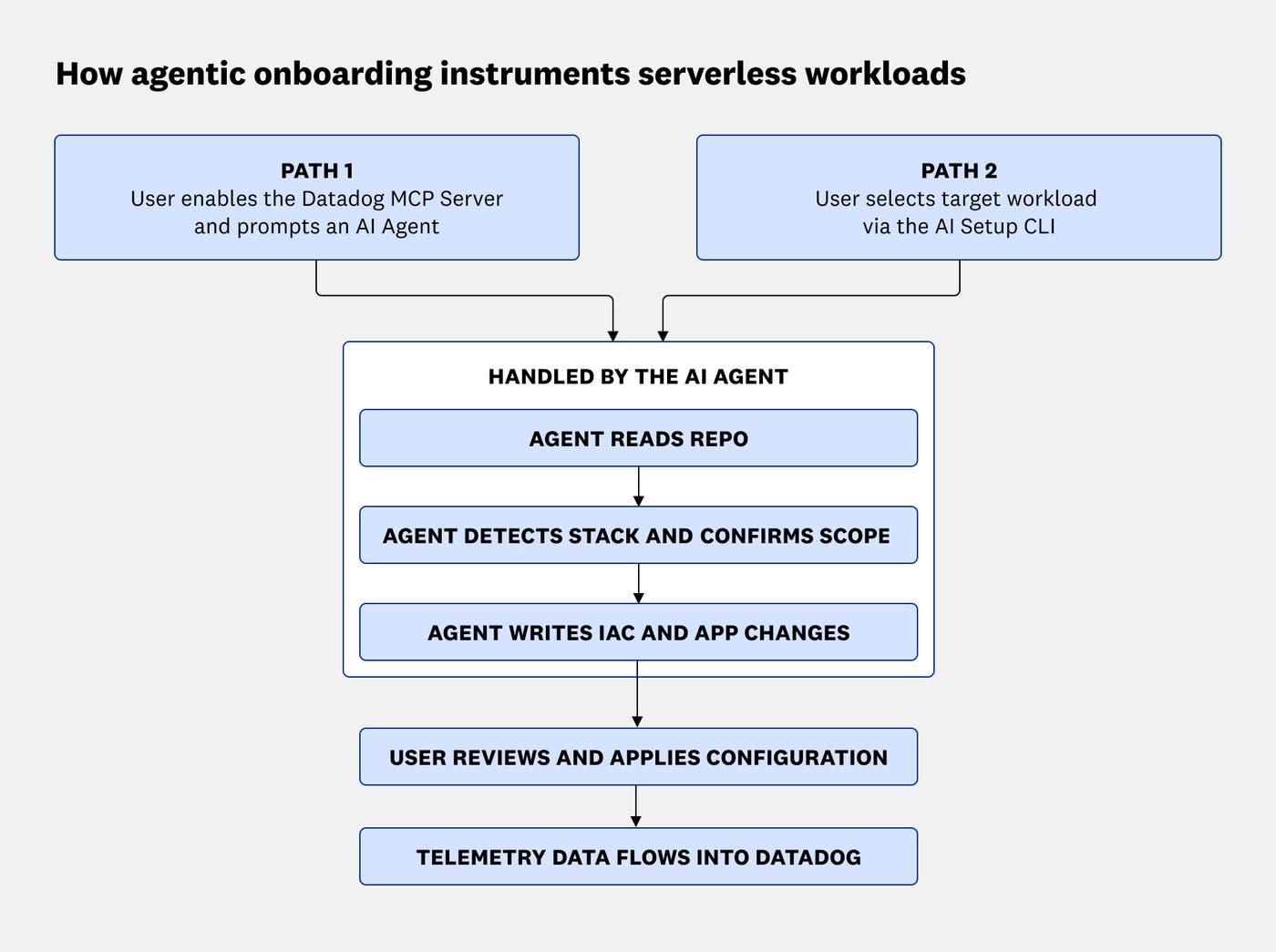
Datadog’s serverless agentic onboarding simplifies serverless instrumentation by adapting setup to your existing deployment tools, runtimes, and serverless platforms. You can instrument serverless applications by describing what you want in plain language to an AI assistant connected to the Datadog MCP Server, or by running a single AI Setup CLI command. The onboarding flow generates the appropriate configuration for your unique environment and prepares changes for review before they’re applied.
In this post, we’ll explain how you can use serverless agentic onboarding to:
Instrument serverless applications from an AI assistant or CLI
Serverless agentic onboarding provides two ways to instrument your serverless applications for Datadog without requiring you to manually identify every platform-specific step. Both options inspect your project, determine which setup instructions apply, and prepare changes within your local development environment.
Datadog MCP Server
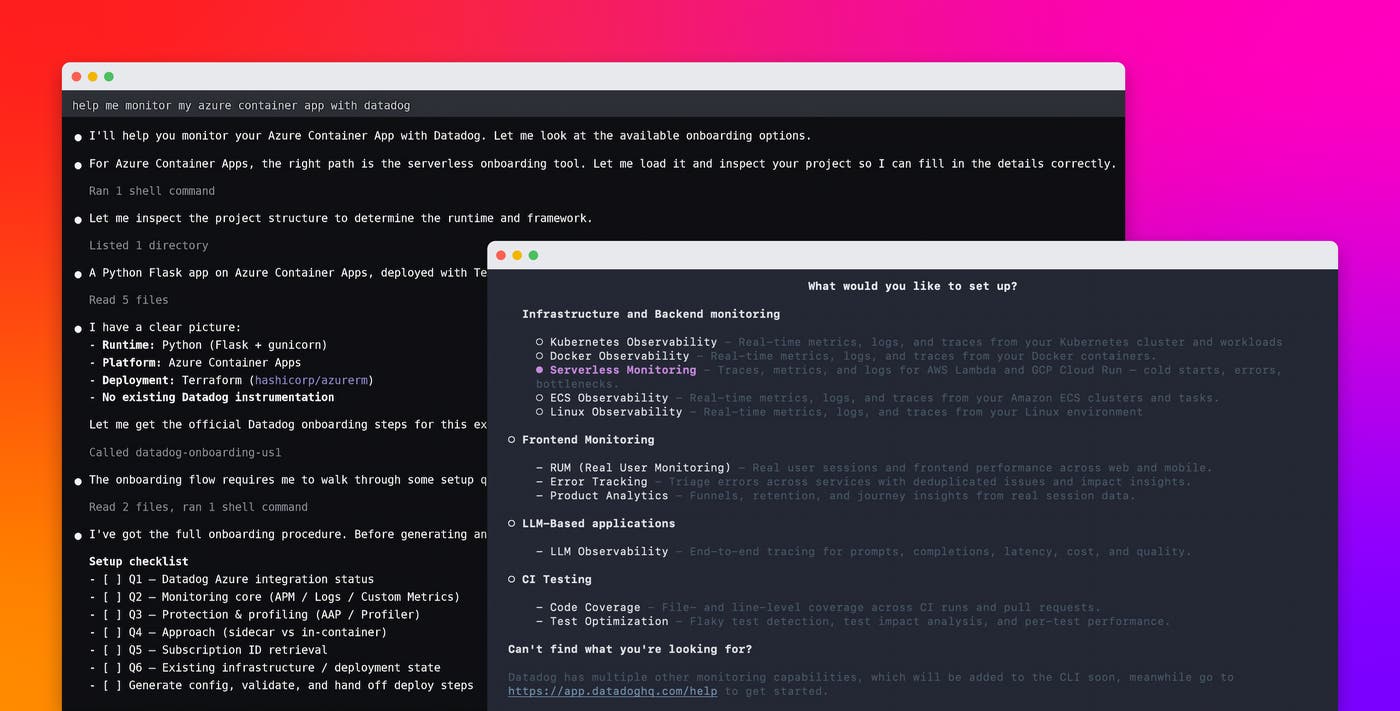
The Datadog MCP Server connects an MCP-compatible coding assistant, such as Claude Code or Cursor, to Datadog. You can start the workflow with a prompt such as “Add Datadog for AWS Lambda to my project.” With your permission, the assistant examines the project, calls the relevant Datadog onboarding tools, and prepares the required configuration changes.
AI Setup CLI
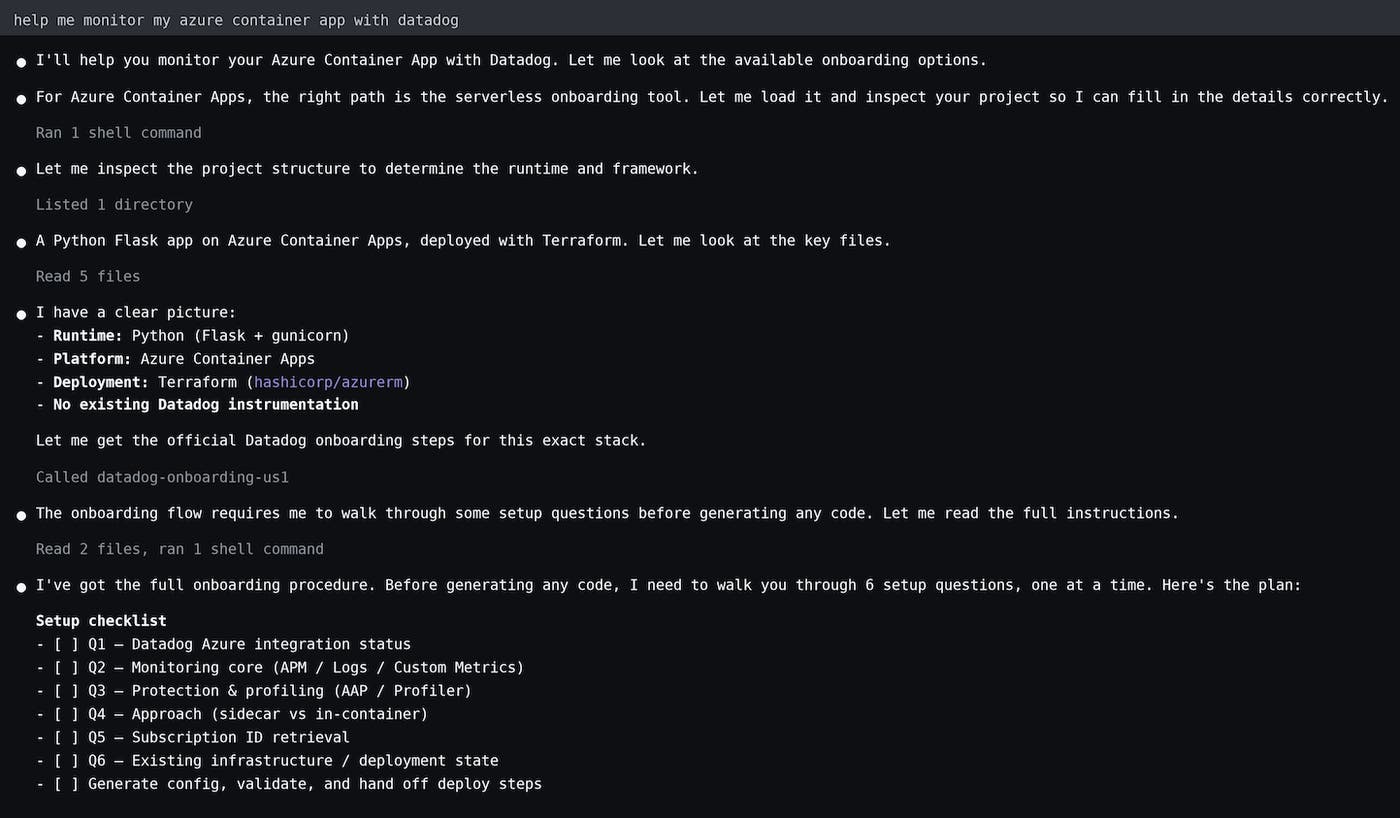
The AI Setup CLI provides the same type of guided setup from your terminal without requiring an MCP-compatible assistant. You can run the CLI in your project directory by using Node.js 22 or later:
npx @datadog/ai-setup-cli --product serverless
The CLI can identify the files that define your application and infrastructure, ask for the information it needs, and prepare instrumentation changes in place. This approach is useful when you prefer a command-line workflow or do not want to connect an MCP server to your coding assistant.
Adapt instrumentation to your existing serverless stack
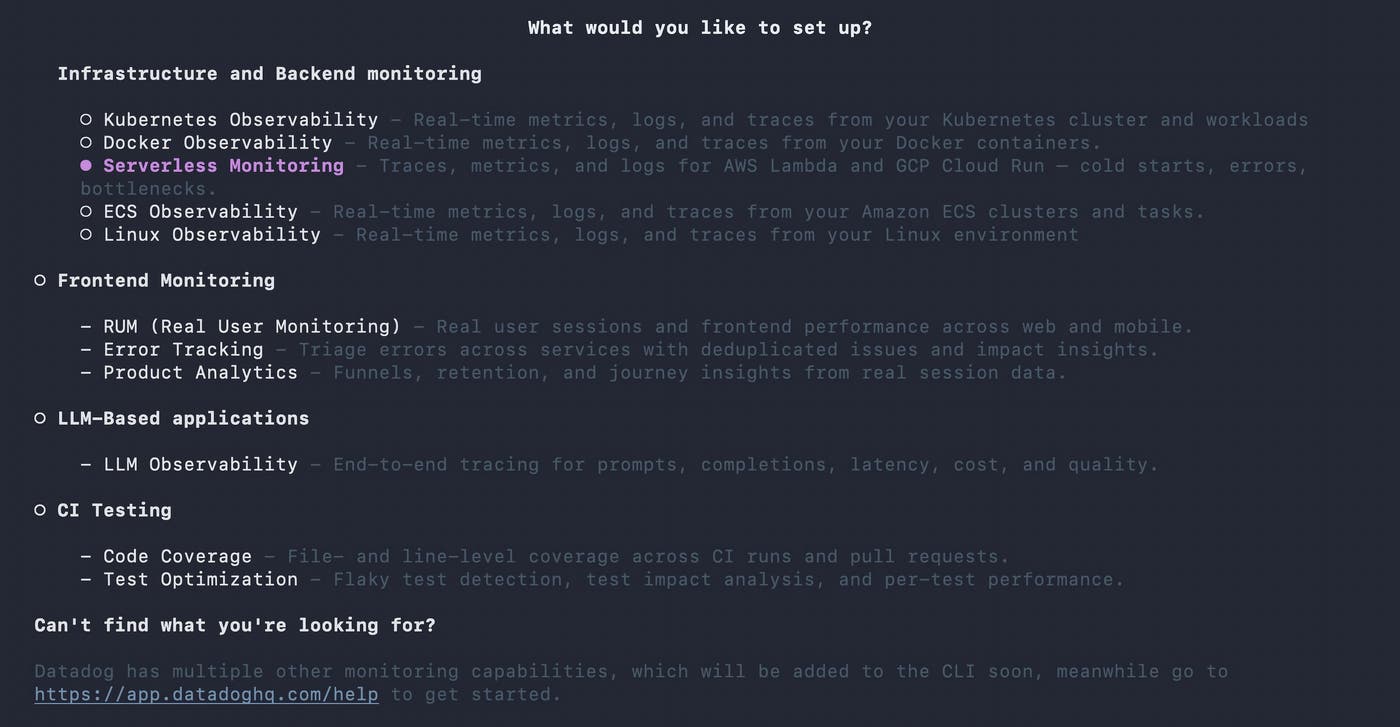
Serverless instrumentation differs across cloud platforms, deployment tools, and runtimes. Agentic onboarding detects the technologies already present and generates a configuration in the format that the project uses.
For AWS Lambda, agentic onboarding supports projects deployed by using AWS SAM, the AWS CDK, the Serverless Framework, Terraform, or
datadog-ci. Depending on the project, it can configure the Datadog Lambda library and Datadog Lambda Extension for supported Node.js, Python, Java, .NET, Ruby, and Go applications.For Google Cloud Run, the onboarding flow can instrument Cloud Run services and Cloud Run functions. It prepares a Terraform configuration that runs the Datadog Agent as a sidecar or includes the Agent within the application container by updating a Dockerfile.
For Azure Container Apps, agentic onboarding supports both sidecar and in-container instrumentation. The sidecar approach uses Terraform, while the in-container approach updates a Dockerfile.
In each case, the generated changes follow the structure of the existing project rather than requiring you to translate generic setup instructions into the appropriate configuration files.
Agentic onboarding also configures the environment variables and reserved service, env, and version tags that apply to the selected workload. This helps teams use consistent tagging across serverless applications even when those applications run on different clouds or use different deployment frameworks.
Review changes with built-in safety guardrails
Because agentic onboarding writes real deployment and application changes, the flow includes guardrails that help keep its output predictable, reviewable, and under your control:
Scope the setup before writing code: For Azure Container Apps and Google Cloud Run, the assistant asks a defined set of questions about your workload and the Datadog capabilities you want to configure. AWS Lambda uses a different flow based on its supported deployment tools and runtime-specific instrumentation options.
Apply changes safely within your local workflow: Agentic onboarding applies and stages changes locally so that you can inspect the diff, test the configuration, or open a pull request. Nothing is committed on your behalf, and an AI coding assistant requests permission before modifying project files.
Apply Datadog-recommended configuration: Each setup uses the appropriate Agent version; reserved
service,env, andversiontags; and environment variables for your runtime and selected telemetry.Maintain control over deployment: You can review, approve, and deploy the generated changes while reducing the manual work required to instrument serverless applications.
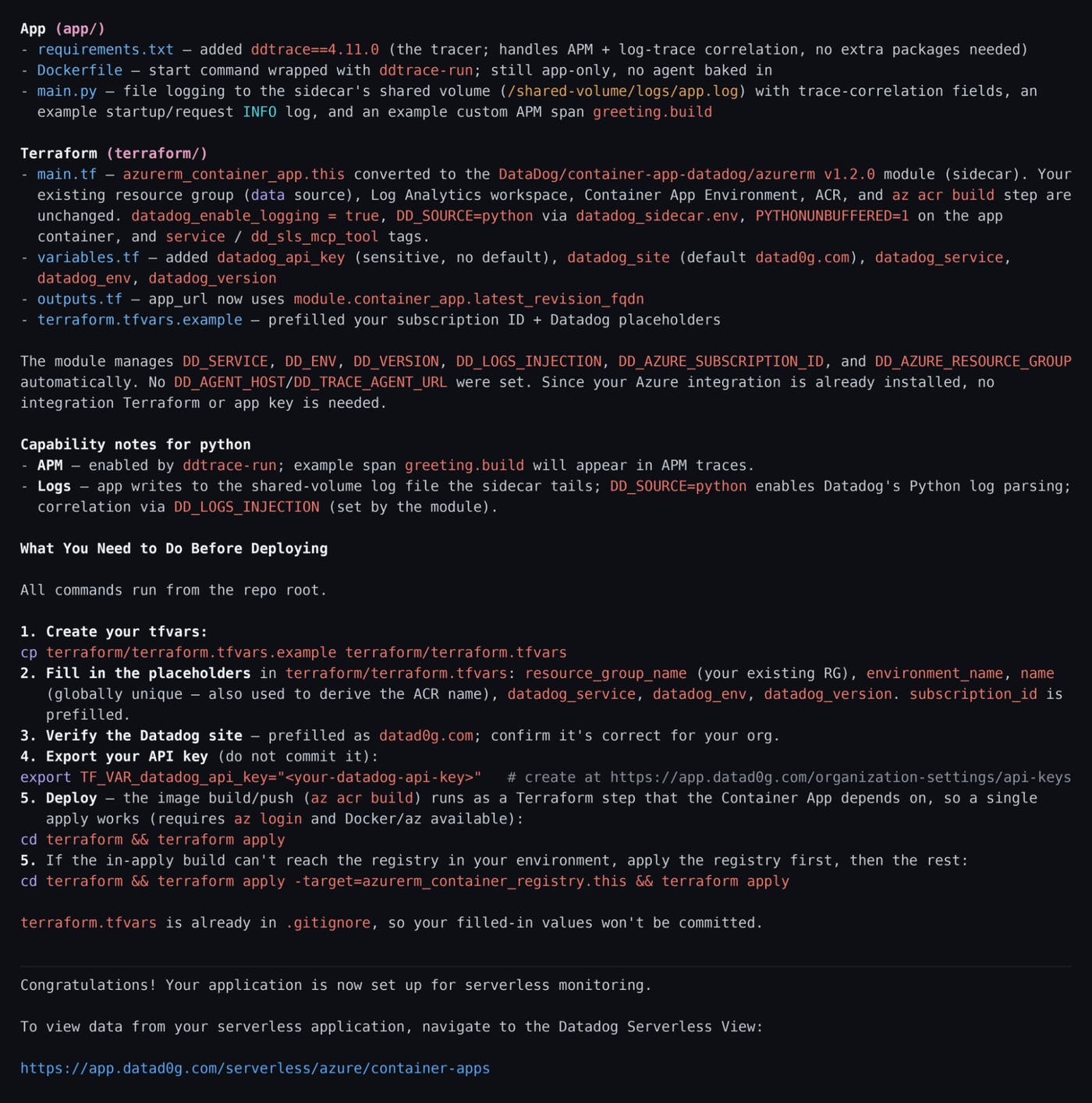
Together, these guardrails help reduce the risk of applying a configuration that does not match your environment. They also keep your existing review, testing, approval, and deployment controls in place while reducing the manual work required to instrument serverless applications.
Instrument serverless workloads with less manual setup
Agentic onboarding for serverless reduces the manual work required to instrument serverless applications across clouds, runtimes, and deployment tools while keeping configuration changes reviewable.
To configure the Datadog MCP Server or AI Setup CLI, see the serverless agentic onboarding documentation. For more information about collecting metrics, traces, and logs from serverless workloads, read the Serverless Monitoring documentation. If you don’t have a Datadog account, sign up for a 14-day free trial.
