
Nicole Parisi
Product Marketing Manager

Vignesh Palaniappan
Finding the right information across dashboards, monitors, and telemetry sources takes time, even for experienced engineers. When something breaks, it often means figuring out where to start, rebuilding queries, and jumping between metrics, logs, and traces before you can take action. The challenge isn’t a lack of data but the effort required to surface the right information at the right moment.
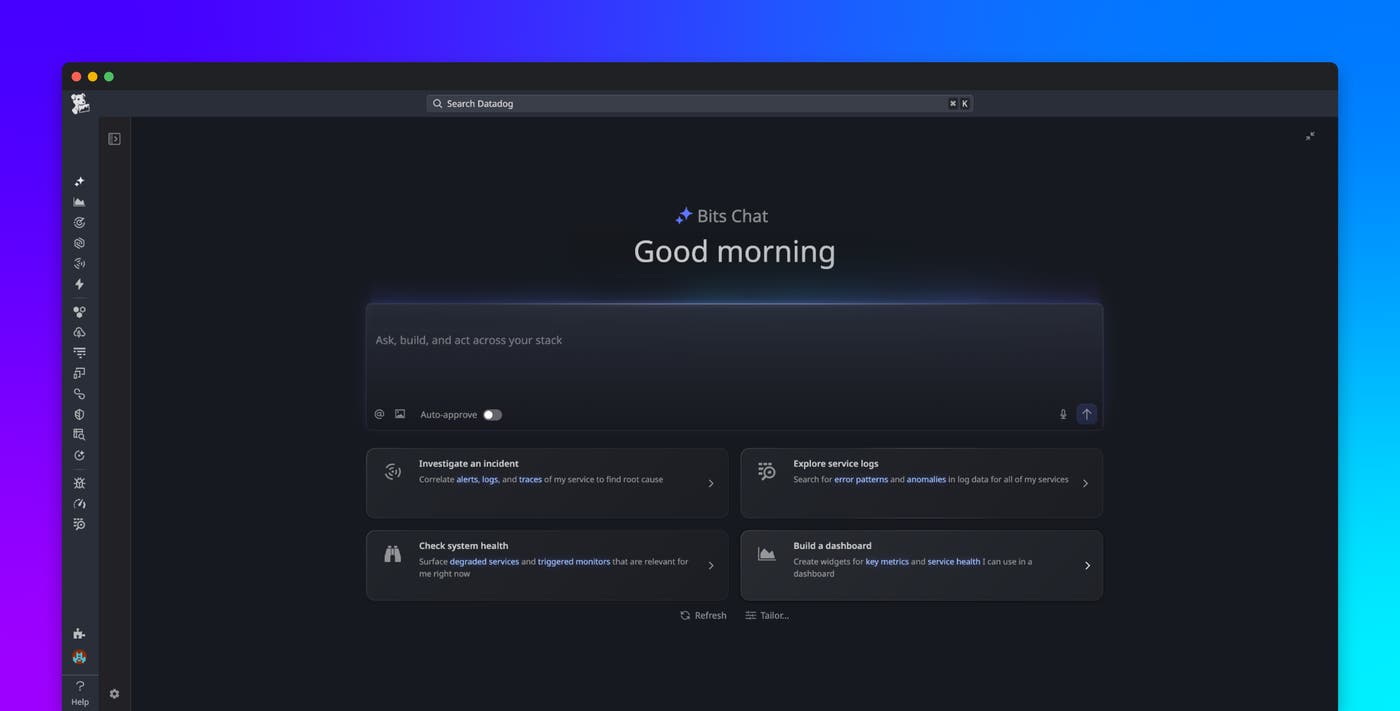
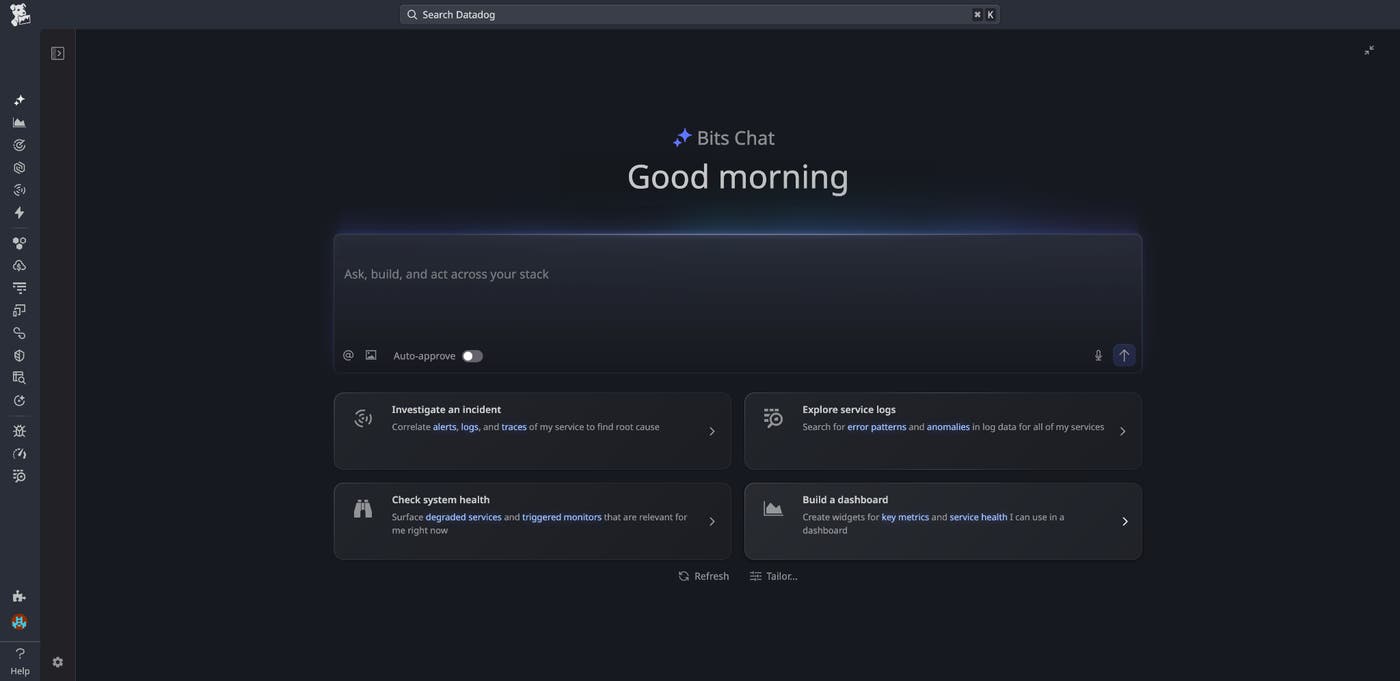
Bits Chat is a conversational interface, available in the Datadog web and mobile applications and in collaboration tools like Slack, that lets you search, visualize, and take action across Datadog using natural language—without switching between tools. You can access it as a full-page experience or as a sidebar directly within the Datadog page you’re working on, so help is always available in context.
In this post, we’ll show how Bits Chat helps you:
Search and explore across your Datadog environment
When something goes wrong or you’re simply trying to understand the state of your systems, you need to answer questions quickly: Does a dashboard already exist for this service? What changed after a deployment? Why did that alert fire? Instead of navigating through multiple views or rebuilding queries, you can ask Bits Chat directly using natural language:
Does a dashboard already exist for this service?
Has this monitor fired in the past week?
Compare error logs before and after the latest deployment.
Explore the latest cost monitor alert in Cloud Cost Management.
Which services have the highest log ingestion volume this month?
In response, Bits Chat retrieves relevant dashboards, monitors, logs, traces, metrics, and other telemetry data from across your Datadog environment. Results are displayed directly in the conversation for you to inspect and refine. You can continue refining results within the same conversation by asking follow-up questions, adjusting filters or time ranges, and exploring further.
Onboard to Datadog and apply best practices in context
Bits Chat also helps engineers ramp up on Datadog and apply best practices without leaving their workflow. With access to all of Datadog’s documentation, it can answer platform questions and surface relevant guidance directly in your conversation.
For engineers new to the platform or a service, it removes the barrier of knowing where to start:
How do I set up a monitor for this service?
Walk me through getting started with APM.
What does this metric measure and where is it coming from?
And for teams looking to level up how they use Datadog, it surfaces actionable guidance based on what you’re working on:
What are best practices for monitor configuration to reduce alert fatigue?
How should I structure dashboards for a microservices architecture?
Which monitors haven’t fired in 6 months—should I clean them up?
Rather than context switching to documentation or internal wikis, you can get answers and recommendations directly in your workflow, whether you’re onboarding or optimizing.
Generate dashboards and notebooks with natural language
Troubleshooting an issue often requires visualizing and analyzing telemetry data via dashboards and notebooks to identify the root cause. That usually means starting from scratch: writing queries, choosing visualizations, and piecing together the right data.
Bits Chat removes that manual work by turning your question into a working dashboard or notebook, so you can quickly create, iterate on, and share your findings.
You can use prompts like these to create something new:
Build a dashboard to troubleshoot this monitor.
Show error rates by service owner over the last hour.
Create a notebook to analyze the recent spike in error logs for this service.
Or you can update and extend existing work:
Add visualizations for RUM frustration types grouped by app name.
Summarize the key findings from this investigation in the notebook.
Update the dashboard to focus on the last hour of events.
Dashboards and notebooks are native, shareable artifacts in Datadog, making it easy to collaborate whether you’re monitoring ongoing performance or documenting an investigation.
Correlate signals and resolve issues from anywhere
One of the most time-consuming parts of troubleshooting is pulling together signals from multiple sources: metrics from one service, logs from another, deployment history from a third. Instead of opening five tabs manually, you can ask Bits Chat directly:
What’s the latest update and status with my incident?
Correlate error rate spikes with recent deployments across these three services.
Are there any anomalies in downstream services that coincide with this latency increase?
Analyze recent traces for latency issues in the checkout flow.
Bits Chat analyzes logs, metrics, and distributed traces to surface likely causes and suggest next steps for remediation.
And because incidents don’t always happen when you’re at your desk, Bits Chat is available on mobile and in tools like Slack so you can troubleshoot from wherever you’re working. On mobile, you can even use voice to check incident status or service health. In Slack, your team can ask questions and share updates without switching back to the Datadog app.
It can also help you document and communicate findings as you go:
Summarize this incident for an executive audience.
Generate a postmortem draft for this incident.
Bits Chat compiles timelines, affected services, and key insights into a structured summary you can review, edit, and share, so you not only resolve issues faster, but document findings with a complete record.
Reduce the time between questions and answers with Bits Chat
As systems scale, the challenge isn’t a lack of data. It’s finding the right information, connecting disparate signals, and taking action quickly. Whether you’re onboarding to a new service, building dashboards and notebooks, troubleshooting an issue, or collaborating with your team during an incident, Bits Chat helps close gaps across your work in Datadog, without switching tools or losing context.
Bits Chat is now generally available. You can try it out by navigating to Bits AI → Bits Chat in your Datadog account.
To learn more about what Datadog can do for your team, sign up for a 14-day free trial.
