
Jessica Manheimer
Product Marketing Manager

Maël Lilensten
Senior Product Manager
Apple’s platform ecosystem is evolving as developers build production applications for watchOS and visionOS. Whether it’s a fitness app on Apple Watch or an immersive spatial computing experience on Apple Vision Pro, these platforms have moved beyond the experimental phase to support real users. Despite this growth in adoption, teams lack visibility into how their apps behave on these devices. Unlike iOS, where mature observability tooling exists, watchOS and visionOS have remained largely unobserved: Crashes go undiagnosed, errors surface without context, and sessions pass without insight into user experience.
Datadog Real User Monitoring (RUM) fills the visibility gap by supporting watchOS and visionOS in all regions, including GovCloud. Datadog has extended the existing dd-sdk-ios package to compile, run, and be fully tested on both platforms, so no separate SDK is required.
In this post, we’ll explore how RUM brings Apple Watch and Apple Vision Pro apps the same crash reporting, error tracking, and session-level observability that iOS teams rely on.
Monitor crashes and errors in watchOS and visionOS apps with deobfuscated stack traces
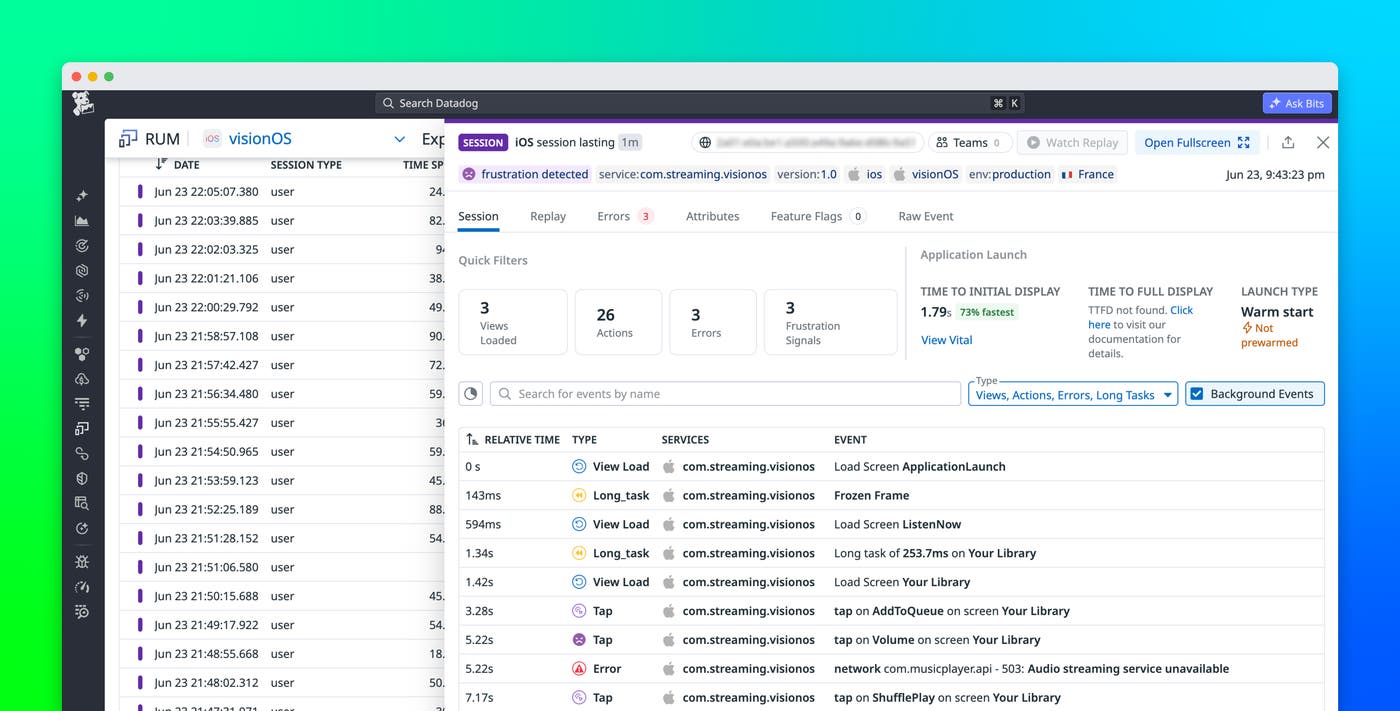
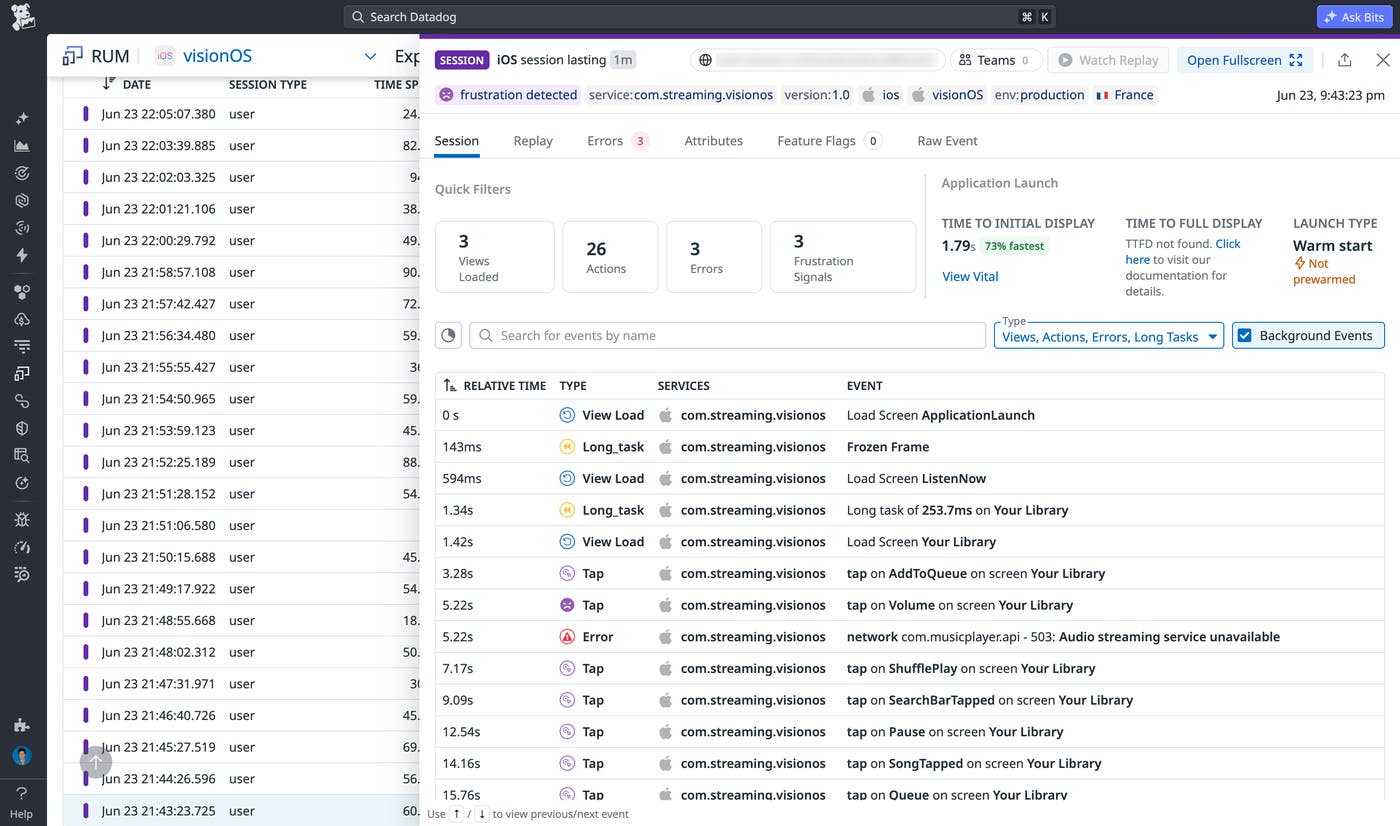
When issues occur on watchOS and visionOS apps, teams often have limited information to work with. Determining the source of a crash, understanding the impact of a runtime error, and reconstructing the user journey that led to a failure can require piecing together information from multiple sources. Datadog RUM brings those signals together in a single view through crash reporting and error tracking with fully deobfuscated stack traces, as well as session tracking:
Crash reporting automatically captures crashes on both platforms. This capability is especially valuable on watchOS, where constrained hardware resources and a different application life cycle can make failures more difficult to reproduce and investigate. Rather than working from a string of memory addresses, you get a human-readable trace that points to the exact line of code that failed.
Error tracking identifies runtime errors across WatchKit and SwiftUI watchOS apps, as well as immersive and windowed visionOS experiences. By correlating these errors with application context, you can triage and resolve issues more quickly.
Session tracking shows how users interact with Apple Watch and Apple Vision Pro apps. Session-level data helps you understand real usage patterns, identify friction points, and measure the impact of releases.
Deobfuscation is powered by Datadog’s symbolication platform, which automatically collects watchOS and visionOS system symbols. The process to upload your application’s dSYM files is the same as for iOS, so crash reports and runtime errors include readable stack traces with no additional configuration beyond what iOS teams already do.
Start monitoring your watchOS and visionOS apps with Datadog RUM
Datadog RUM for watchOS and visionOS gives you the same level of visibility into your Apple Watch and Apple Vision Pro apps that you get for iOS apps. You can monitor crashes, track errors, and analyze user sessions by using the same workflows that you already have in place. Stack traces are fully deobfuscated, and you don’t need to adopt or maintain a separate SDK. For setup instructions, read the RUM documentation for Apple platform monitoring.
If you don’t already have a Datadog account, you can sign up for a 14-day free trial to get started monitoring your watchOS and visionOS apps.
