
Sumedha Mehta

Natasha Silva
Technical Content Writer
AI agents are embedded in the software development life cycle, from code generation and debugging to incident triage. These agents operate in isolation from observability data to help engineers debug issues and respond to incidents, which results in constant context switching. Engineers start a debugging session, realize they need a trace or an error log, and have to switch workspaces, find the data, and rebuild context before they can continue.
To close that gap, Datadog now offers integrations for every major AI chat and agent, including Claude Code, Claude Desktop, Claude Cowork, ChatGPT, Codex, OpenCode, and Cursor. Powered by the Datadog MCP Server, the integrations give AI agents a more secure, structured interface to query Datadog’s observability data and tools.
How Datadog’s MCP integration works
All integrations connect through the Datadog MCP Server, which exposes Datadog’s observability capabilities as tools that AI agents can call through natural language, from log search and metric queries to incident lookup, service governance, and more. The server authenticates through OAuth and uses HTTP transport, so it works reliably across local and remote agent environments.
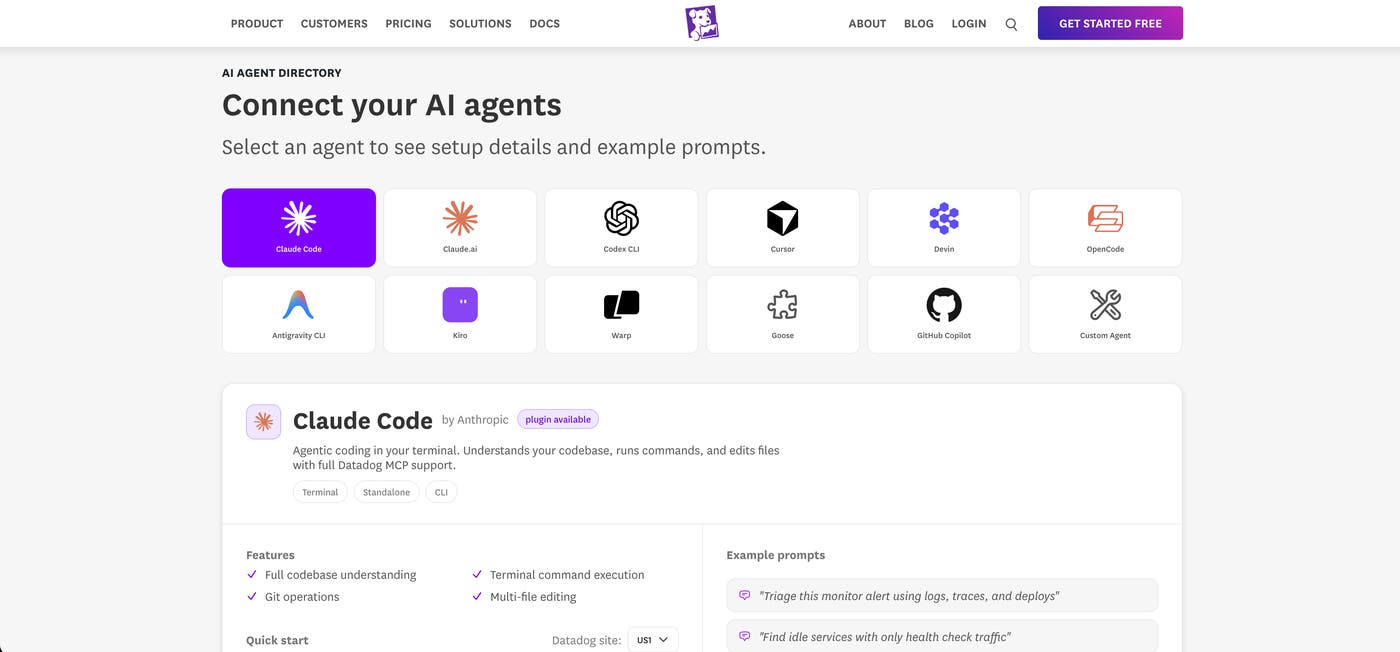
Integration and setup vary by platform type:
CLI-based agents (Claude Code, Codex, OpenCode) install via a single command. Run
/ddsetupto configure your data center and Datadog org. If you work across multiple Datadog orgs, you can switch between them with a single selection.Desktop and chat experiences (ChatGPT, Claude.ai, Goose) use more bespoke integrations, typically an OAuth flow, a marketplace plugin, or a one-click connector depending on the platform.
Datadog is available in a growing set of agent and agent-builder platforms, including Cognition, Kiro, Devin, Warp, Atlassian, Linear, Perplexity Computer, Langsmith Fleet, and many more. See our most popular supported AI agents in the Datadog AI Agent Directory.
Once you’ve connected Datadog to your AI agent of choice, you can:
Query telemetry data: metrics, logs, traces, Real User Monitoring, Synthetic Monitoring, Product Analytics, and more
Manage Datadog resources: monitors, dashboards, notebooks, SLOs, and more
Investigate production issues: incidents, error tracking, security signals, Database Monitoring query plans, and more
Datadog across your Claude ecosystem
Claude Code
The Claude Code plugin brings Datadog directly into your terminal, so observability data is available where you’re writing and running code. If you do most of your debugging from the command line, it keeps Datadog within easy reach. If a service had a latency spike overnight, you can ask Claude to “Pull traces from the checkout service for the last six hours and tell me what changed.” The agent then queries Datadog and returns the relevant spans.
You can install the plugin with one command:
/plugin install datadog@claude-plugins-officialThen run /ddsetup to configure your datacenter and select your Datadog org. The plugin auto-updates, so new capabilities ship automatically.
Claude.ai
The Claude.ai connector lets you query observability data in natural language and view results as interactive visualizations. If you review observability data as a team during standups or incident responses, it helps keep everyone in the same conversation.
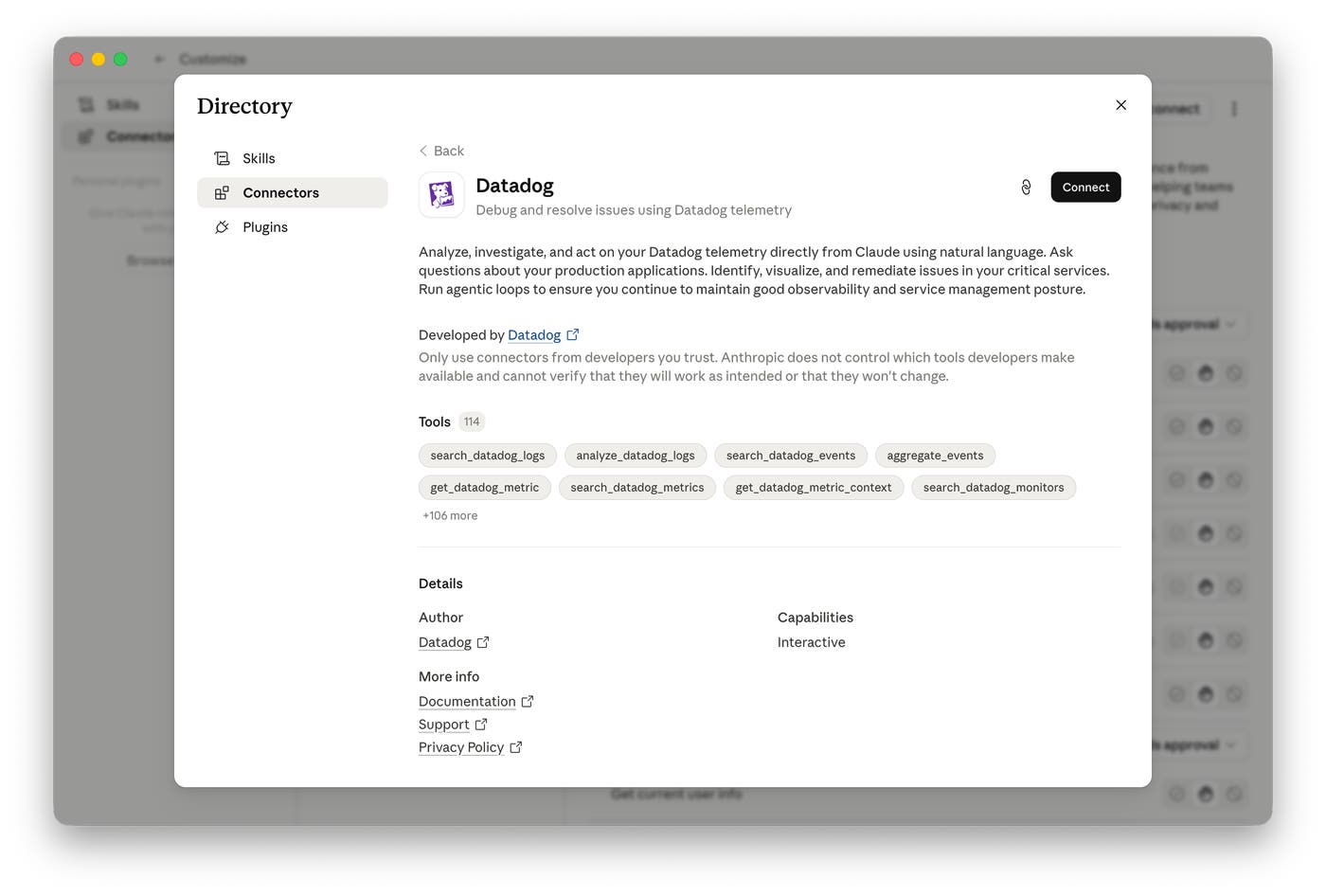
Ask “What monitors fired overnight?” or “Summarize the open incidents for the payments service” and get an answer in the chat to see and discuss relevant Datadog dashboards, log excerpts, and telemetry data as an incident unfolds.
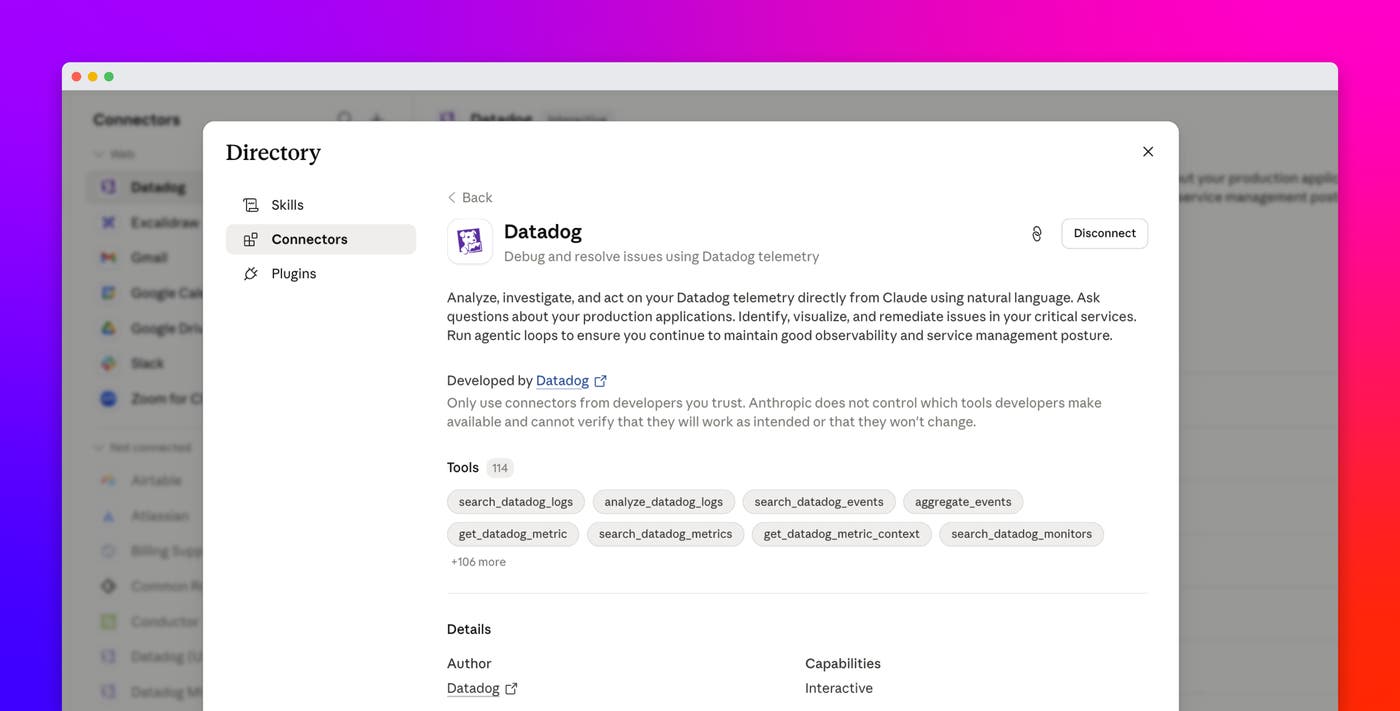
To connect Datadog to Claude.ai (Desktop and Cowork), click the + icon from any prompt, select Add Connector, find Datadog, and complete the OAuth flow.
OpenCode
The Datadog OpenCode plugin, now in Preview, connects OpenCode to your production observability data directly in your terminal. If you prefer an open source, terminal-native coding agent, it keeps Datadog available as you write and debug code.
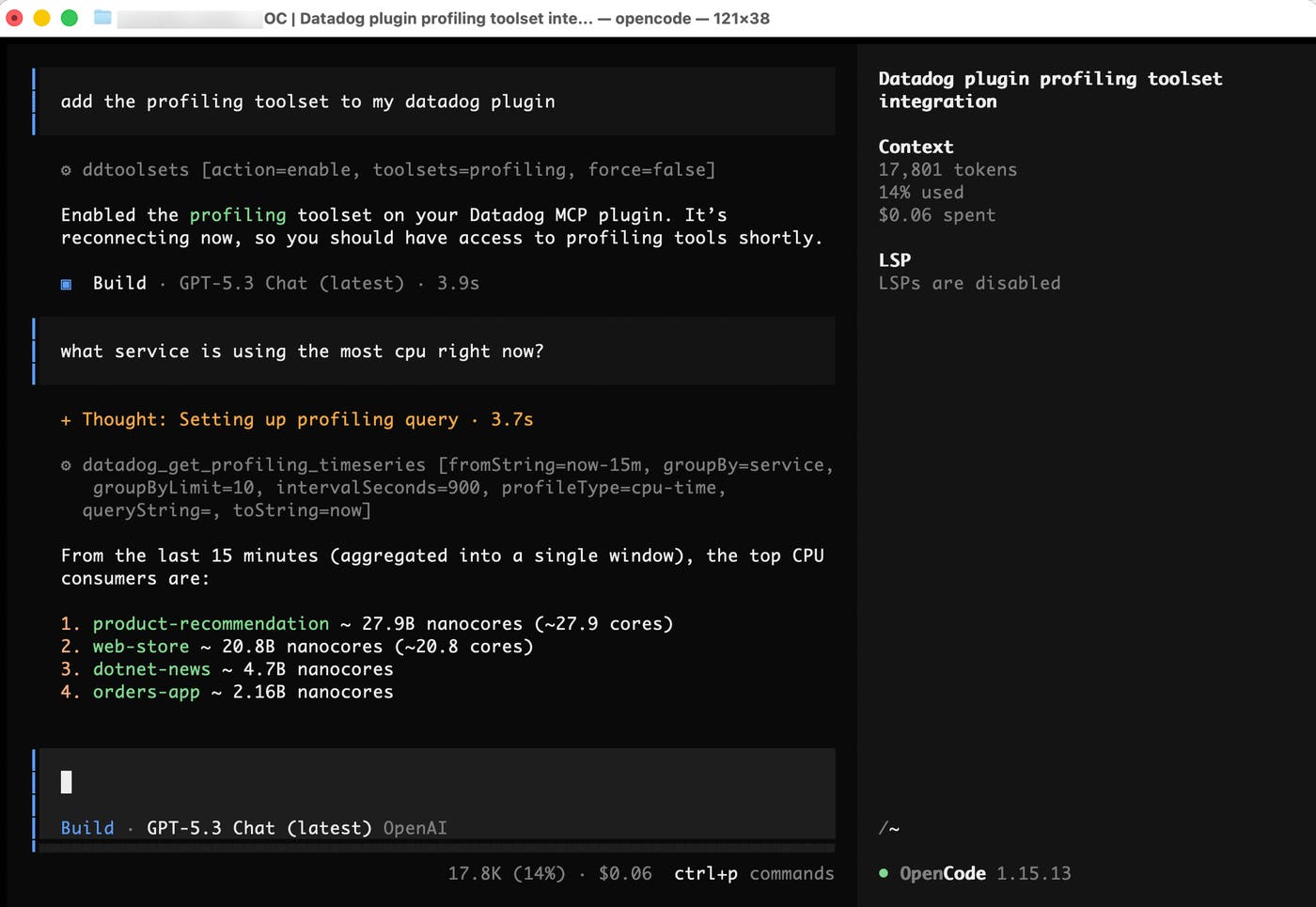
When a service is throwing errors, you can ask, “Show me the last 100 error logs from the payments service and suggest a fix for the most common failure pattern.” OpenCode fetches logs from Datadog and incorporates them directly into its response.
Add the official Datadog plugin to your opencode.json:
"plugin": ["@datadog/opencode-plugin"]Then restart OpenCode and run /ddsetup to configure your data center and select your Datadog org.
Cursor
The Cursor plugin renders Datadog graphs directly in your editor, inline alongside the code you’re debugging. If you prefer to stay in your editor while debugging, it brings the graphs to you. When a function is causing elevated error rates, you can ask, “Show me error rate trends for the checkout service over the last 24 hours,” and get back a fully rendered graph inside Cursor so you can see where the spike started and move straight to a fix.
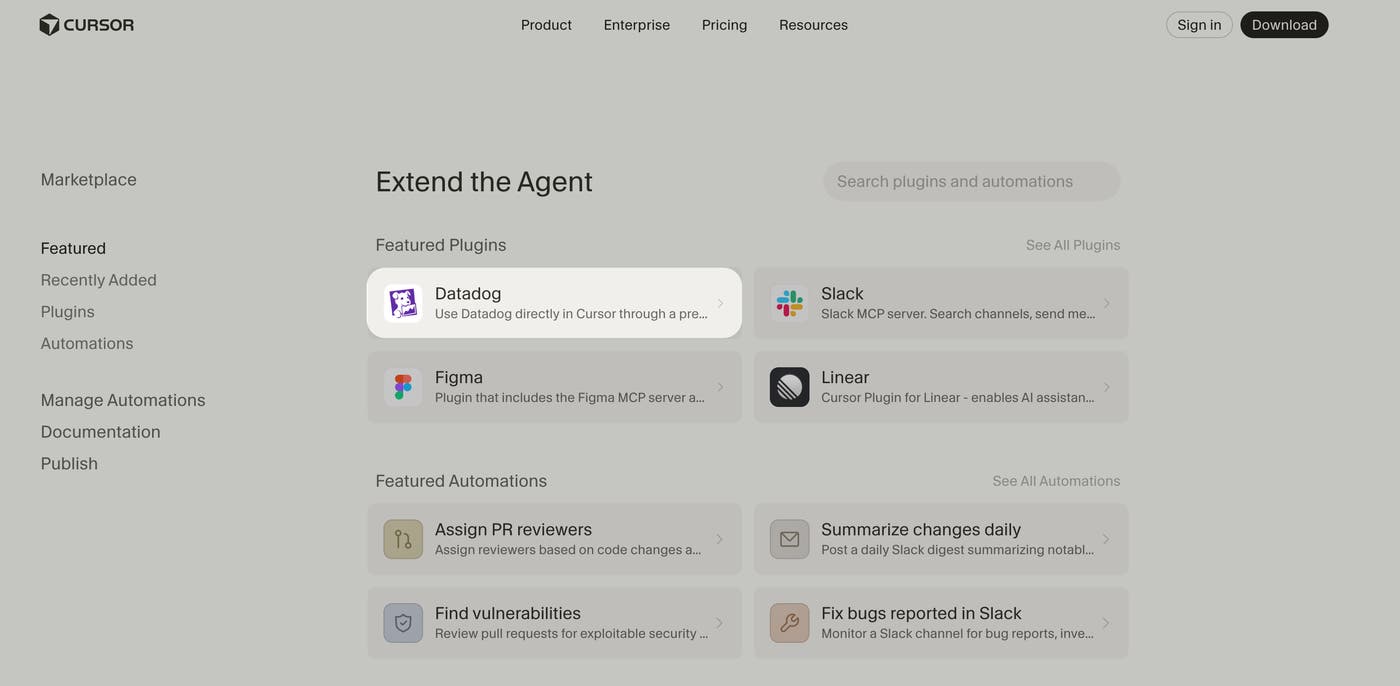
In the Cursor Marketplace, click Add to Cursor and follow the in-app instructions.
You’ll need a Datadog account with MCP read and write permissions in your user role. If you already have the standalone Datadog MCP Server installed, uninstall it before installing the plugin.
Datadog across your OpenAI ecosystem
ChatGPT
The Datadog ChatGPT integration, now in Preview, lets you query your observability data directly in ChatGPT with natural language. If you’re on call or need to share observability data with non-technical stakeholders, it gives you direct access from ChatGPT. The plugin respects Datadog’s full role-based access control model, so you only see data you have access to.
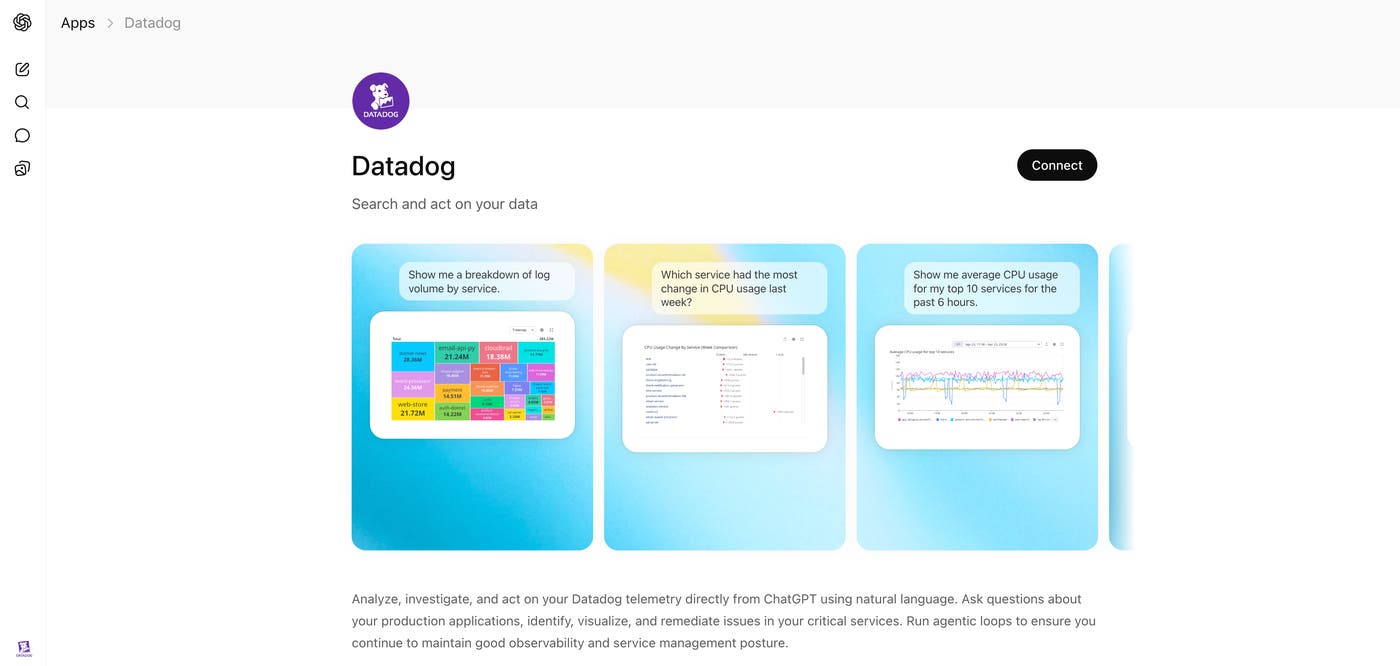
When an alert fires and you’re not at your desk, you can ask, “Are there any active P1 incidents right now?” or “What’s the error rate for the API gateway over the last 24 hours?” and get an answer immediately.
On the ChatGPT Apps tab, install the Datadog plugin. OAuth handles the authentication automatically.
Codex
The Datadog Codex plugin, now in Preview, connects Codex to your production observability data, so the code fixes it suggests are based on what’s actually failing.
When you’re investigating a recurring failure in the orders service, ask “Given the last 100 error log entries from the orders service, suggest a fix for the most common failure pattern.” Codex fetches those logs from Datadog and incorporates them directly into its response.
The Codex plugin connects to Datadog through the Datadog app in ChatGPT. Before installing the plugin, make sure the app is installed and authenticated. To add the plugin in Codex, navigate to the Plugins section in the sidebar, search for “Datadog,” and select Add to Codex, followed by Install Datadog (Preview).
Access the same Datadog capabilities on every platform
Each integration connects through the same Datadog MCP Server, so you get access to the same core capabilities whether you’re in your terminal, your editor, or a chat interface. Teams working across different tools stay in sync, pulling from the same source. Here’s what the integrations include:
Telemetry queries: Search logs, query metrics, and inspect distributed traces to understand request flows, spot anomalies, and diagnose latency.
Incident lookup: Query open and recent incidents, get summaries, and track resolution status.
Monitor status: Check the health of your monitors at a glance.
Dashboard retrieval: Pull dashboard data into your AI context for analysis.
Service dependency mapping: Understand which services call which and how they’re performing.
Profiling: Explore flame graphs, call graphs, and timelines to identify CPU, memory, and performance bottlenecks down to the line of code.
Alert correlation: Cross-reference logs, metrics, and traces around an alert timestamp.
Infrastructure management: Query hosts, containers, and Kubernetes resources to understand the state of your environment.
Service management: Manage and query Software Catalog entries, ownership, and dependencies.
Onboarding: Get step-by-step guidance for setting up Datadog integrations, agents, and instrumentation directly in your AI agent.
Getting started with any agent
If you use multiple AI agent platforms, each one connects independently to the same Datadog account. For enterprise customers, the integration supports multi-org setups, SSO, and Datadog’s full role-based access control model.
To see all supported agents, visit the Datadog AI Agent Directory. Select your platform, and connect your agent in a few steps.
If you’re new to Datadog, you can sign up for a free 14-day trial.
