
Sacha Guyon

Paul Gottschling
Datadog Technical Content Writer
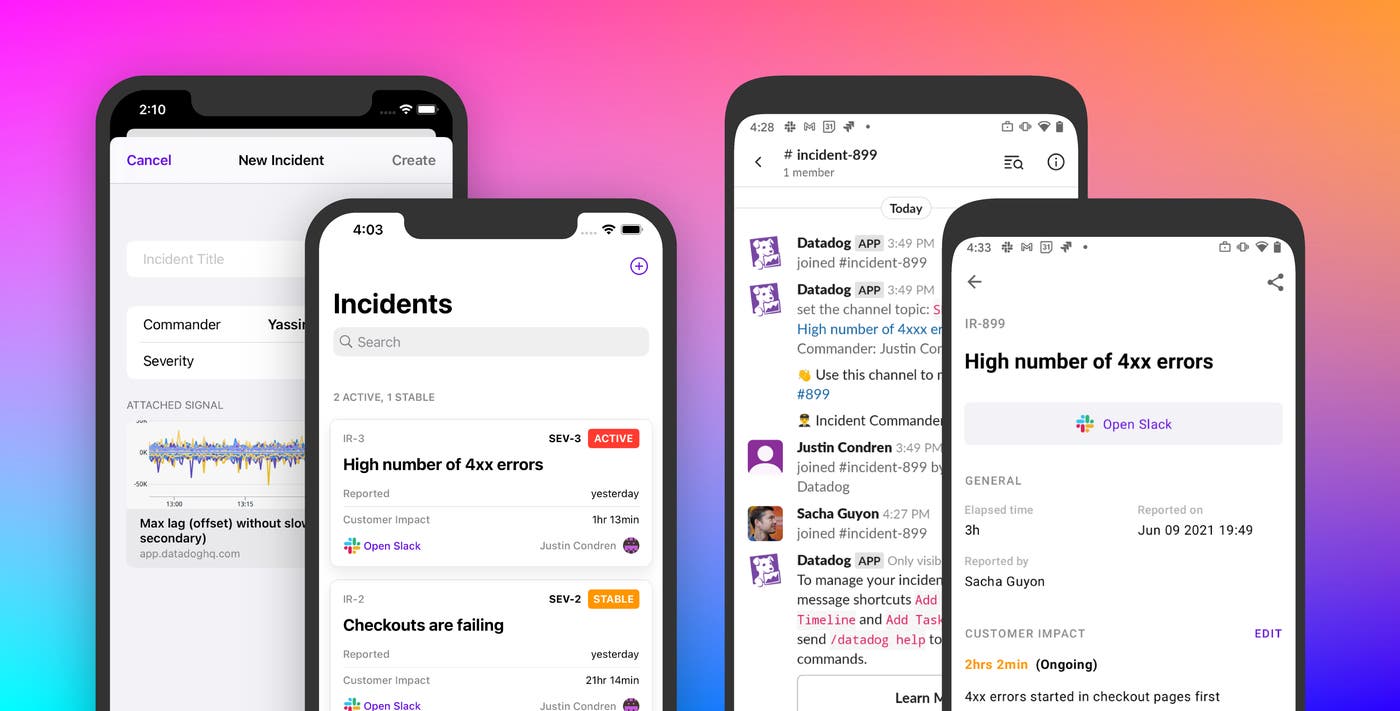
The Datadog mobile app enables you to check your alerts and dashboards from anywhere, so you can triage issues—and stay up to date—regardless of whether you have access to a laptop. You can now be even more productive when responding to issues while away from your keyboard by declaring incidents and notifying responders directly from your mobile device. With incident management on the Datadog mobile app, you can access incident details and monitors without needing to get on your laptop in the middle of the night or interrupt your weekend plans. Using Mobile Incident Management, you can:
Declare an incident no matter where you receive an alert
Quickly gather a response team
Get the information you need to collaborate on an existing incident
Declare an incident from anywhere
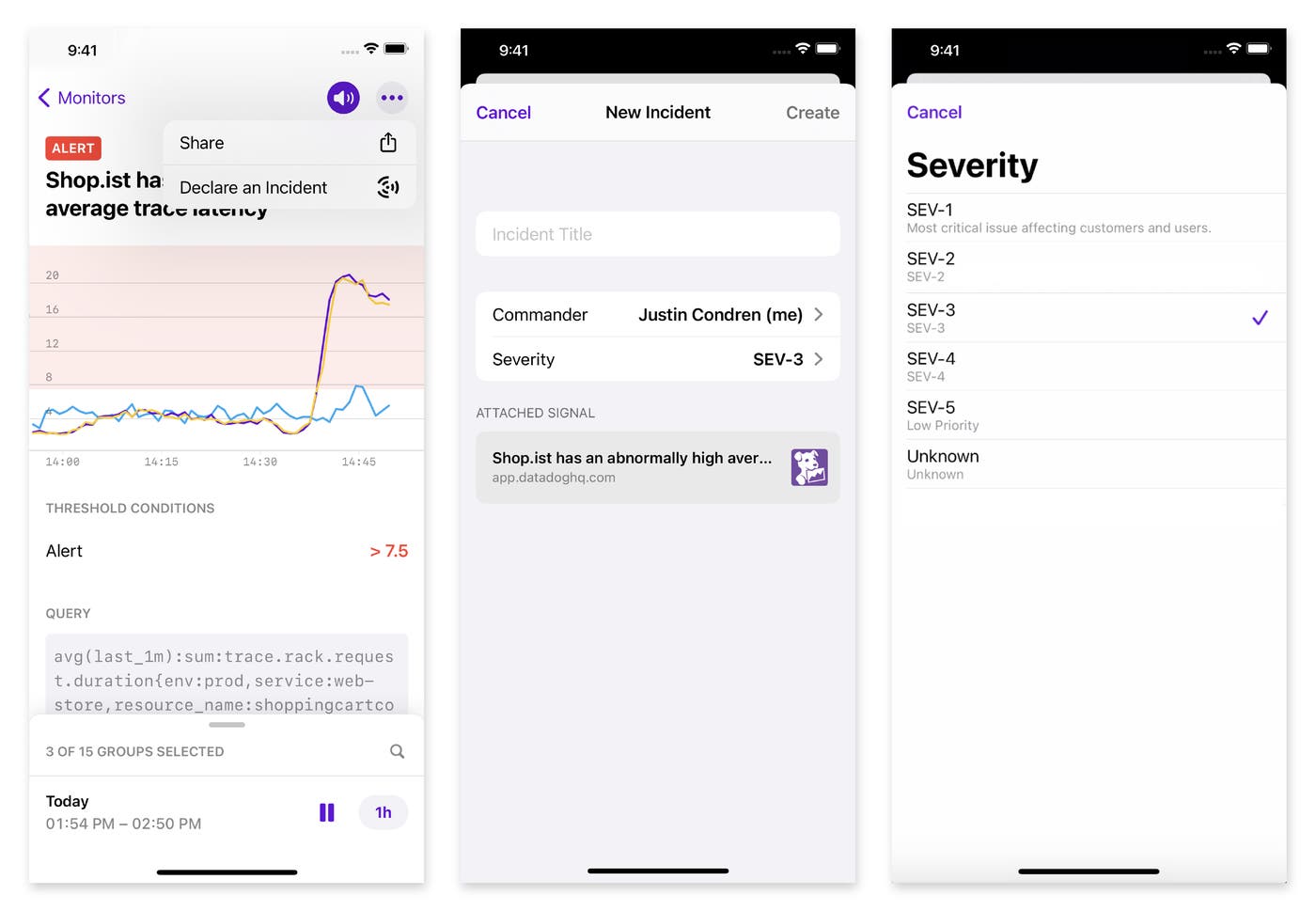
If you’re on-call, you can get notified of possible issues at any time, wherever you are. If you determine that something requires attention, you need to be able to declare an incident immediately. The Datadog mobile application lets you open a new incident in a few taps, so you can notify your response team with minimal delay. This means that after viewing a monitor that has entered an alerting state and checking related dashboards, you can quickly create an incident, assigning a severity and a commander.
Gather the response team
Even if you’re in the middle of a workout or relaxing in the park, during an incident it is crucial to notify your team or service owners as soon as possible—and to maintain communication until the incident is resolved. With the Datadog mobile app, you can use existing incident response workflows to quickly share information about an incident.
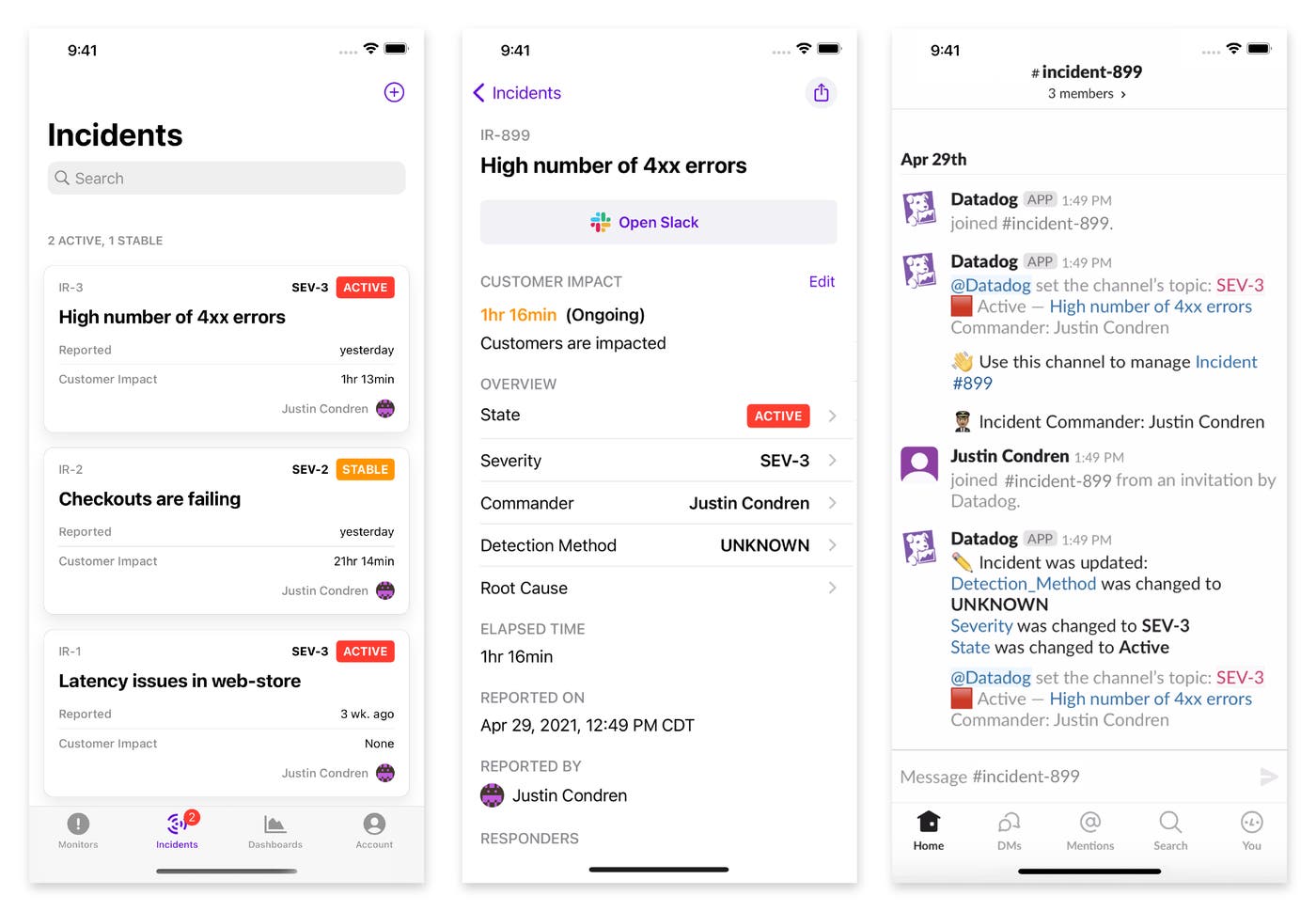
When you declare an incident via the Datadog mobile app, it automatically creates a Slack channel for a new incident and posts a link to a general #incident channel so engineers can know which conversation to follow. And when you’re viewing an existing incident, you can jump to related conversations in Slack, Zoom, or Microsoft Teams—all with one tap—so you can start contributing immediately to the investigation.
Get up to speed
When pinged about an incident, engineers need to be able to view it in context and get all relevant information, no matter where they are. The Datadog mobile application shows you a list of ongoing incidents, sorted by most recently updated, so you can track the status of active incidents as you go about your day. This view shows each incident’s severity and how long it has been impacting customers, so you can focus your efforts on the most urgent problems. You can also see who is leading the response for all active incidents, so you can contact them quickly.
On-call, untethered
Mobile Incident Management is now available in the Datadog mobile app. Once you’ve installed it via the Apple App Store or Google Play, you can declare an incident—or stay up to date on existing incidents—anywhere you happen to be. And, with Datadog’s suite of collaboration and investigation features, such as Notebooks, Error Tracking, and Watchdog Insights, your team can use the same platform to get to the bottom of new incidents and prevent issues from affecting customers.
If you don’t yet have a Datadog account, you can get started by signing up for a free trial.
