
Jordan Obey
Senior Technical Content Writer

Derek Howles
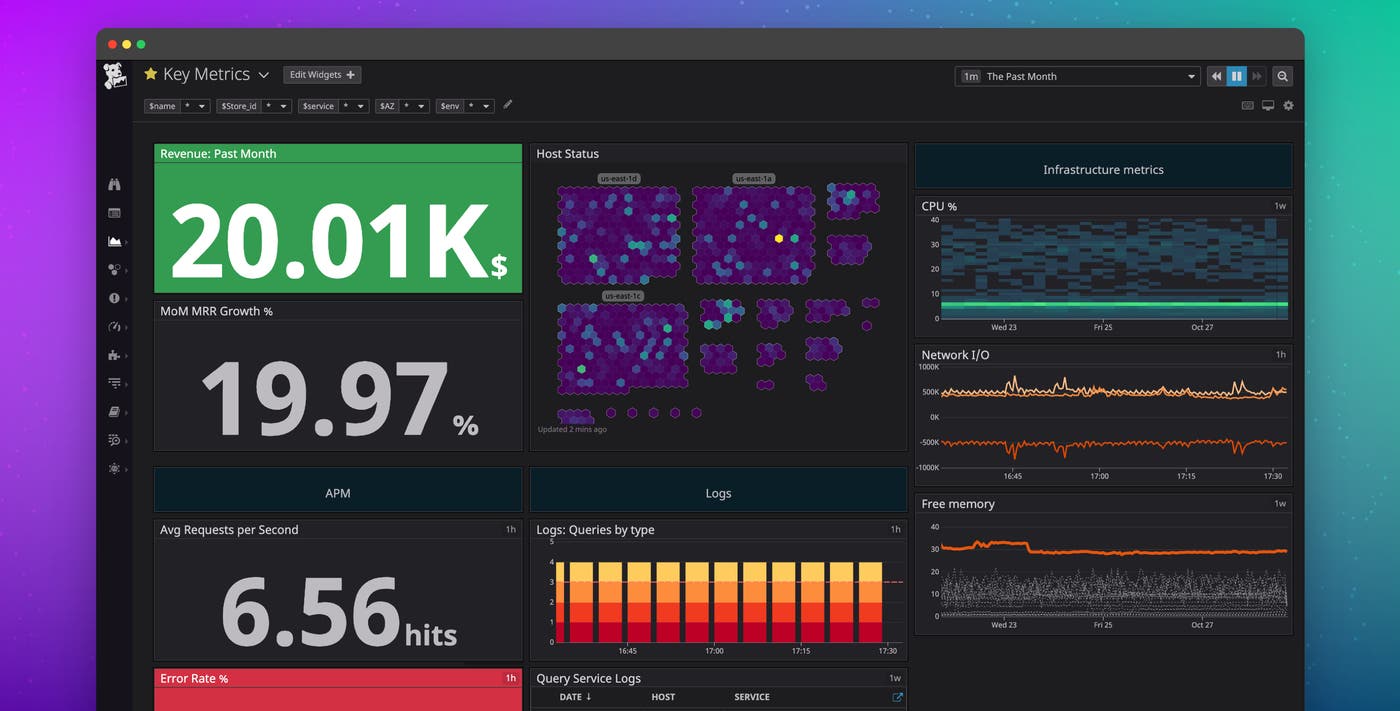
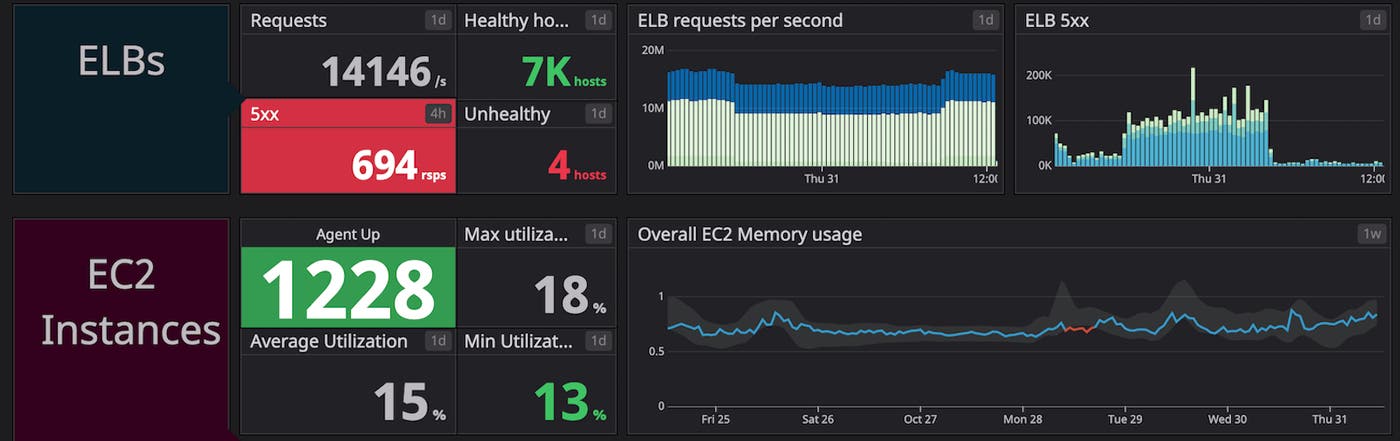
Datadog provides full visibility into your environment through a wide variety of features, ranging from host and container maps of your dynamic infrastructure to customizable dashboards that provide a unified view of every layer of your stack. And now we’re pleased to announce that you can enjoy these visualization features and the rest of the Datadog platform in dark mode.
Datadog in the dark
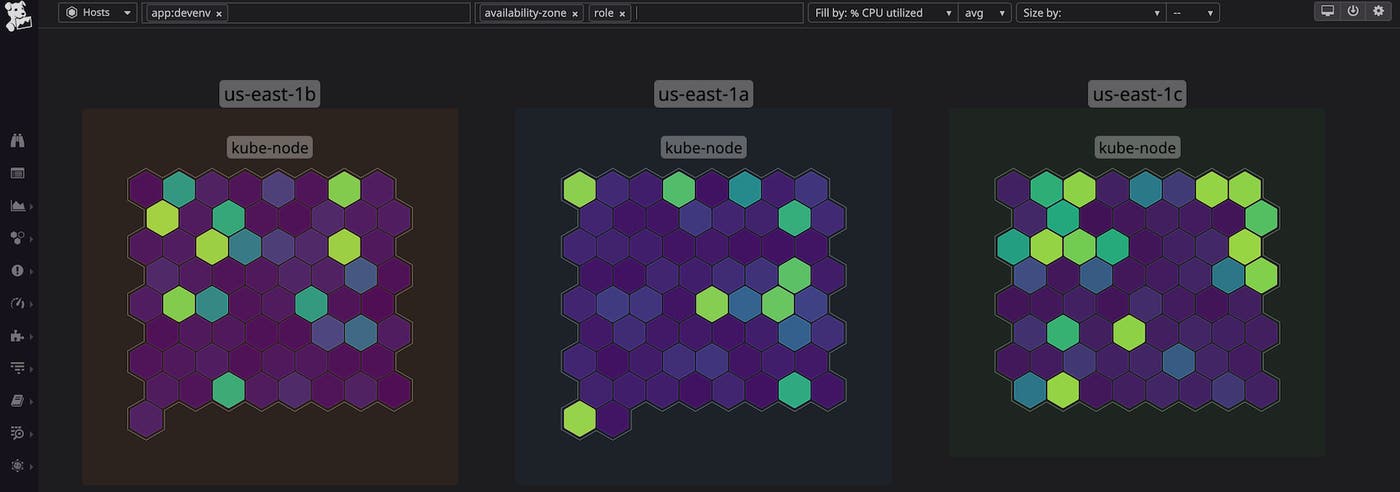
Dark mode provides a striking new way to visualize your data in Datadog, by including light-colored text on darker backgrounds and graphical elements like buttons, widgets, and dashboards. In conjunction with dark mode, we’ve also released two new color palettes for host maps: Viridis (shown below) and Plasma. When viewed in dark mode, these new palettes will display a vibrant layout of your hosts.
See it all, even in the dark
You can activate dark mode from anywhere in the Datadog app by hovering over your avatar and selecting the “Dark” theme. You can also cycle between themes using the shortcut Ctrl+Opt+D. If dark mode is available on your OS, you can set up your Datadog account to automatically follow your system preference. And if you are on a device that doesn’t support dark mode at the OS level, you will still be able to toggle dark mode on within the Datadog platform.
Datadog’s dark mode is now generally available, so you can instantly start using it to visualize, troubleshoot, and explore your infrastructure in a whole new light. If you aren’t already using Datadog, sign up for a 14-day free trial to start monitoring more than 1,000 technologies in dark (or regular) mode.
